Last week in the studio (CW19-26)
In this regular “Last week in the studio” series, I write about what I worked on during the previous week. Last week was partly time away from the studio, so it felt a little disjointed.
We were away on Wednesday and Thursday for Sue’s birthday and our wedding anniversary. They’re conveniently on the same day, so I can only get in trouble once if I forget, which I haven’t yet. I spent the early part of the week tying up a few loose ends and, on Friday, started gathering material for a new conference talk.
I’m booked to speak at a conference in Berlin in June about how I use AI tools in my design process. The talk is still a long way from finished, but the central idea is starting to come together. I’m thinking of AI less as a replacement for making and more as a kind of scrapbook: a place to collect, combine, and develop visual ideas. One of the examples I’ve been working on is an image of my French alter-ego, Albert Galoshe.
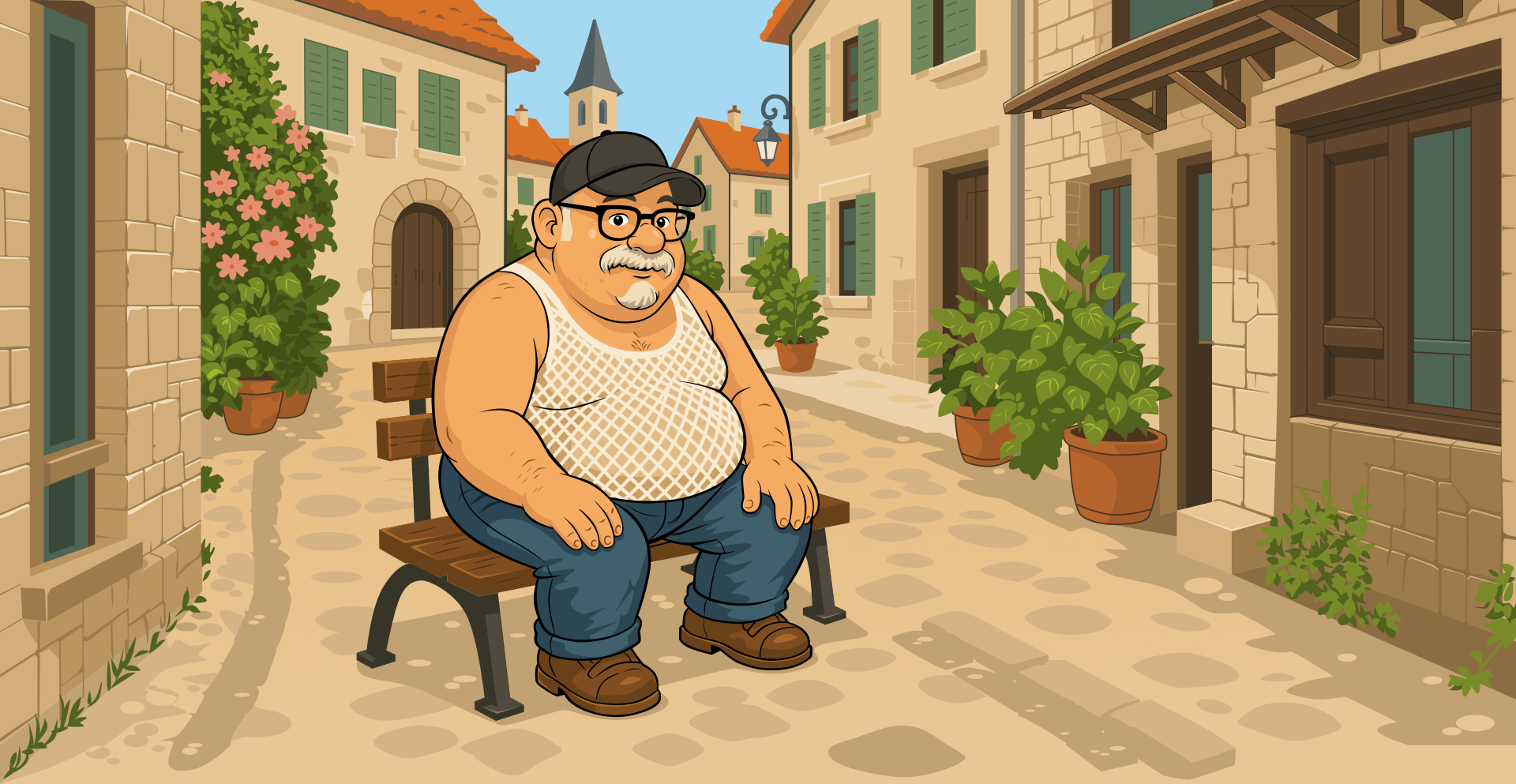
I take a lot of photographs when we travel to France. They won’t win any competitions, but they give me a useful library of doors, windows, signs, shutters, plants, and odd little architectural details.
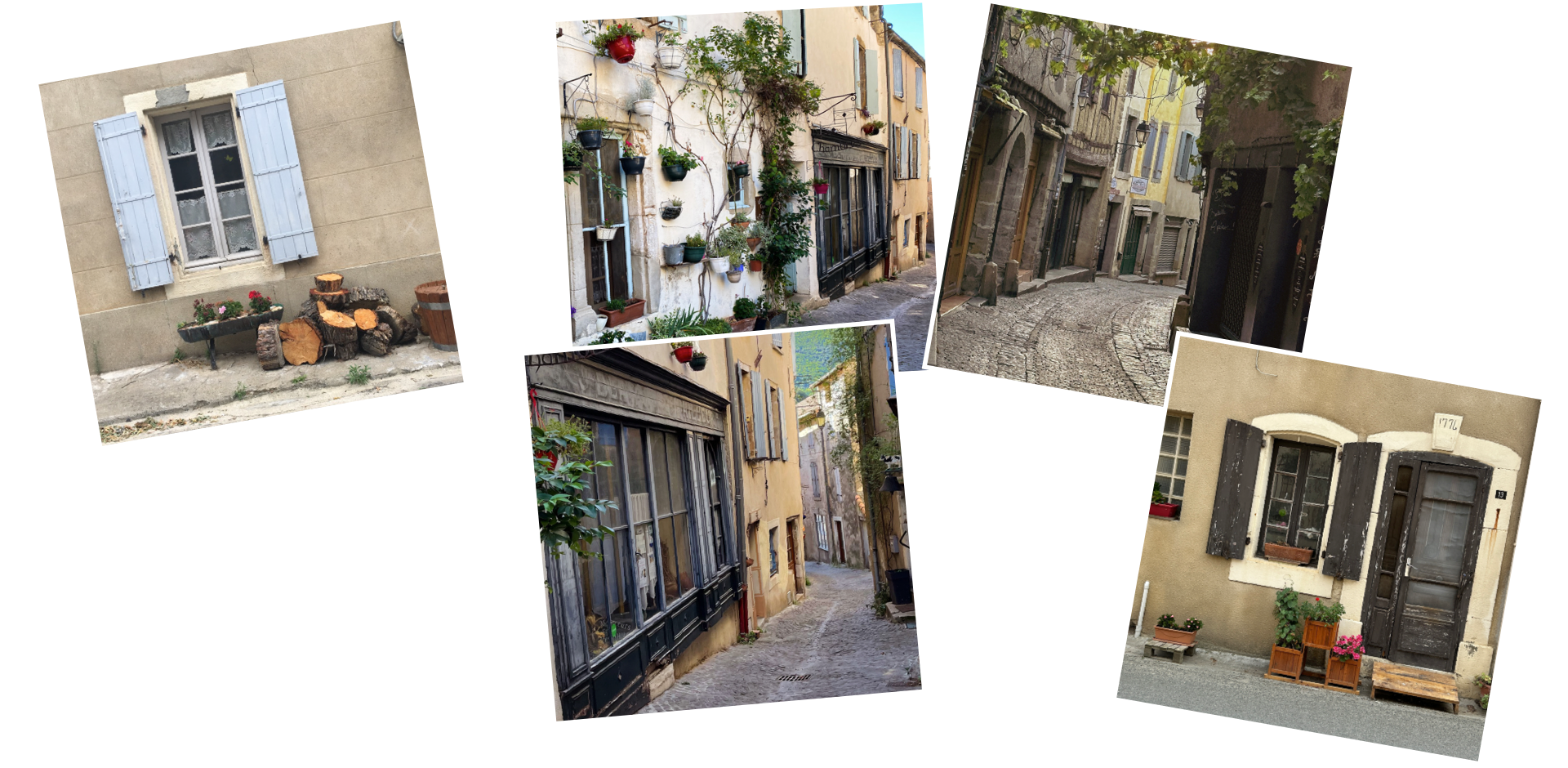
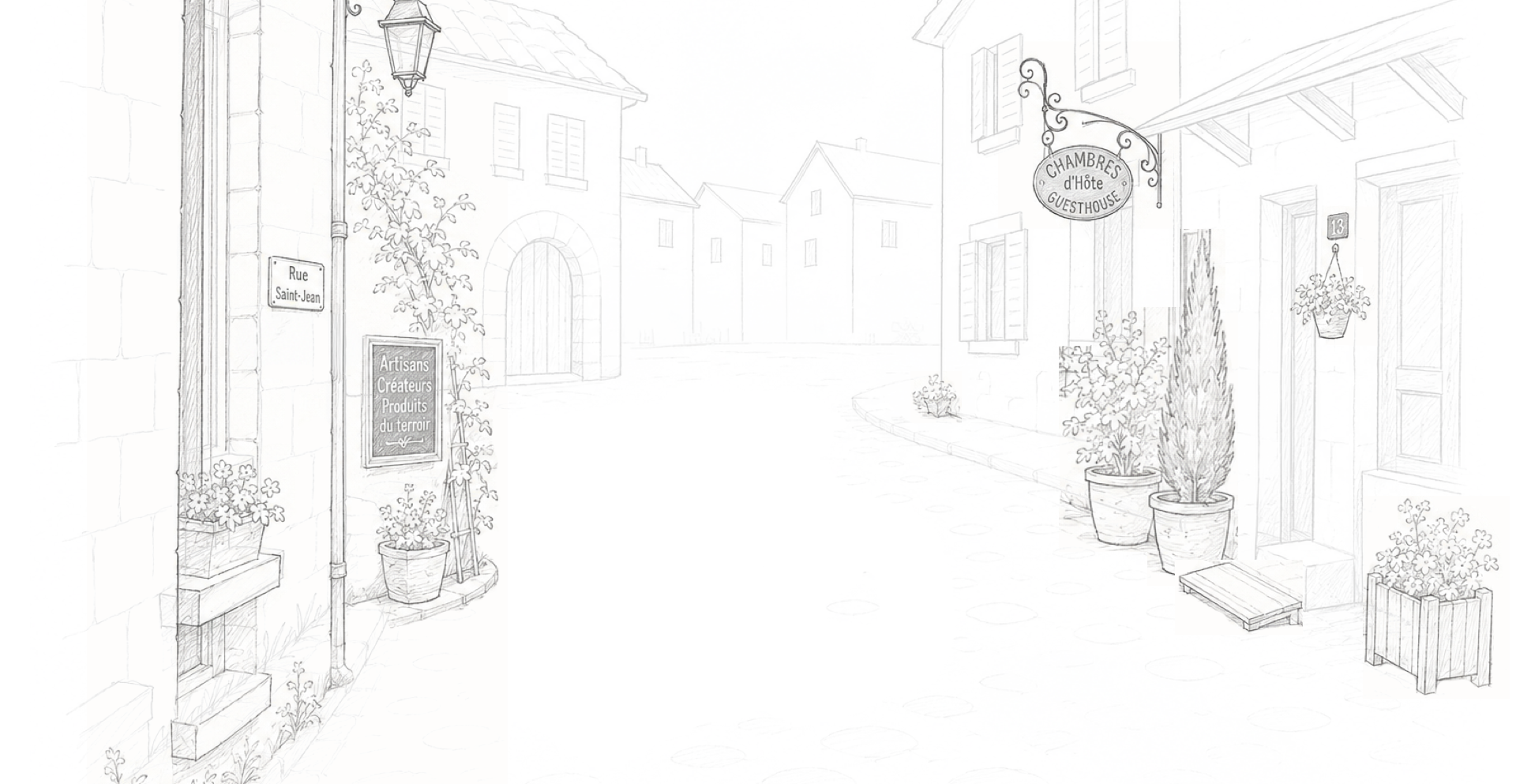
I started by making very loose pencil sketches in Procreate on my iPad, tracing over some of those photographs to get their shapes.
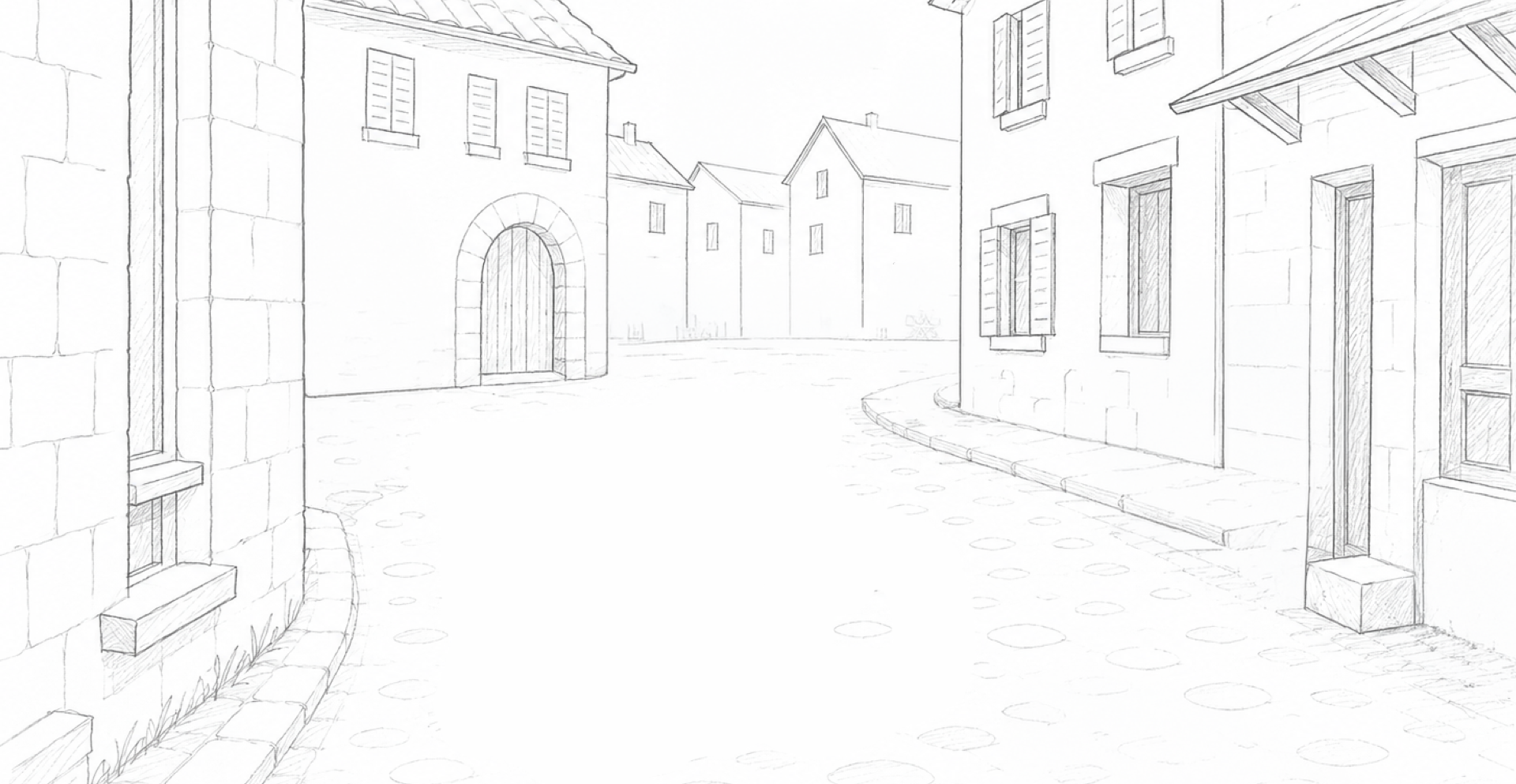
Quite often, these sketches are amalgamations of several photographs. I’ll extract the details I want, then scale, skew, and reposition them until they fit the composition.
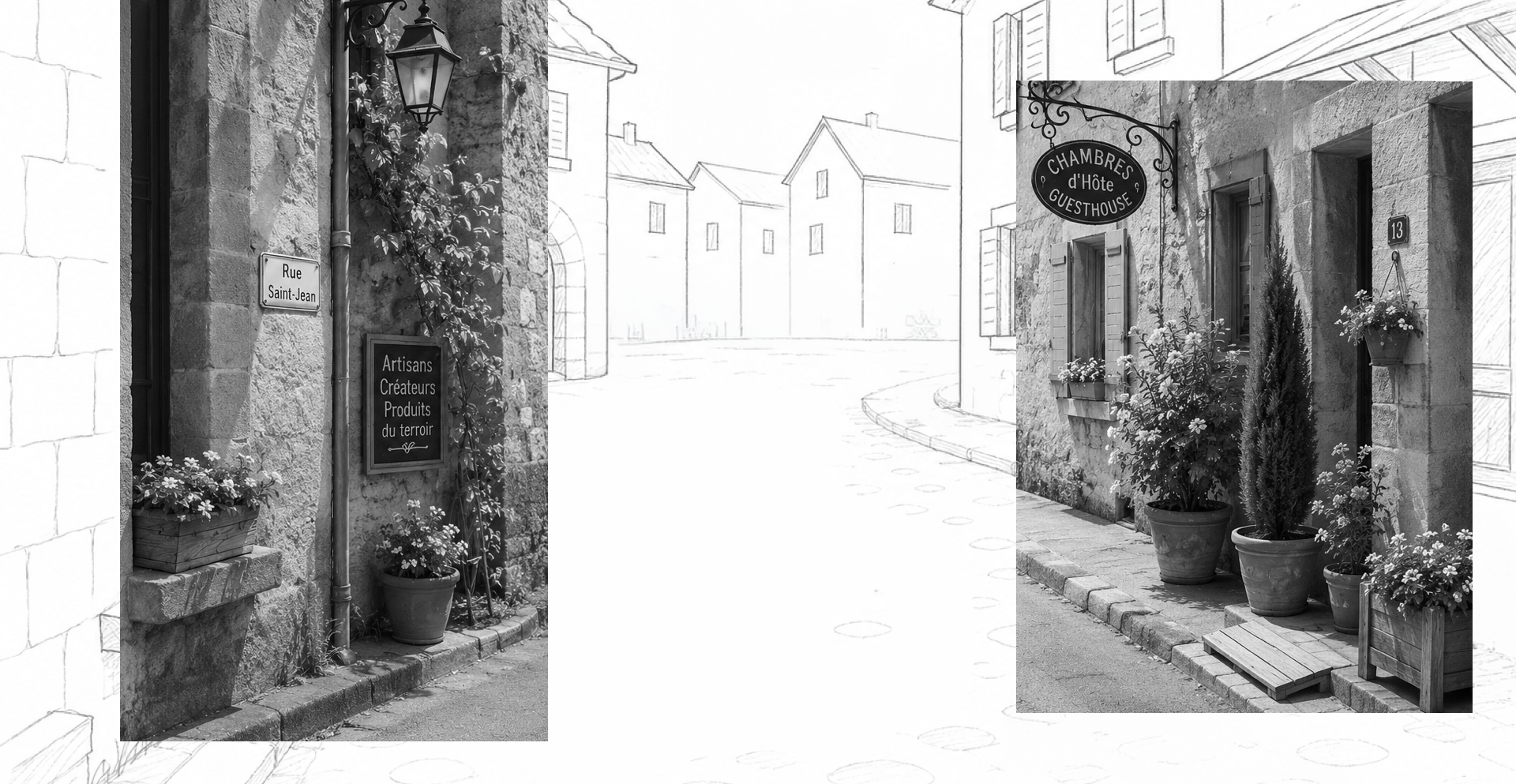
Then, I add to the loose sketch. When the perspective or proportions are wrong, I ask AI tools to help correct them.
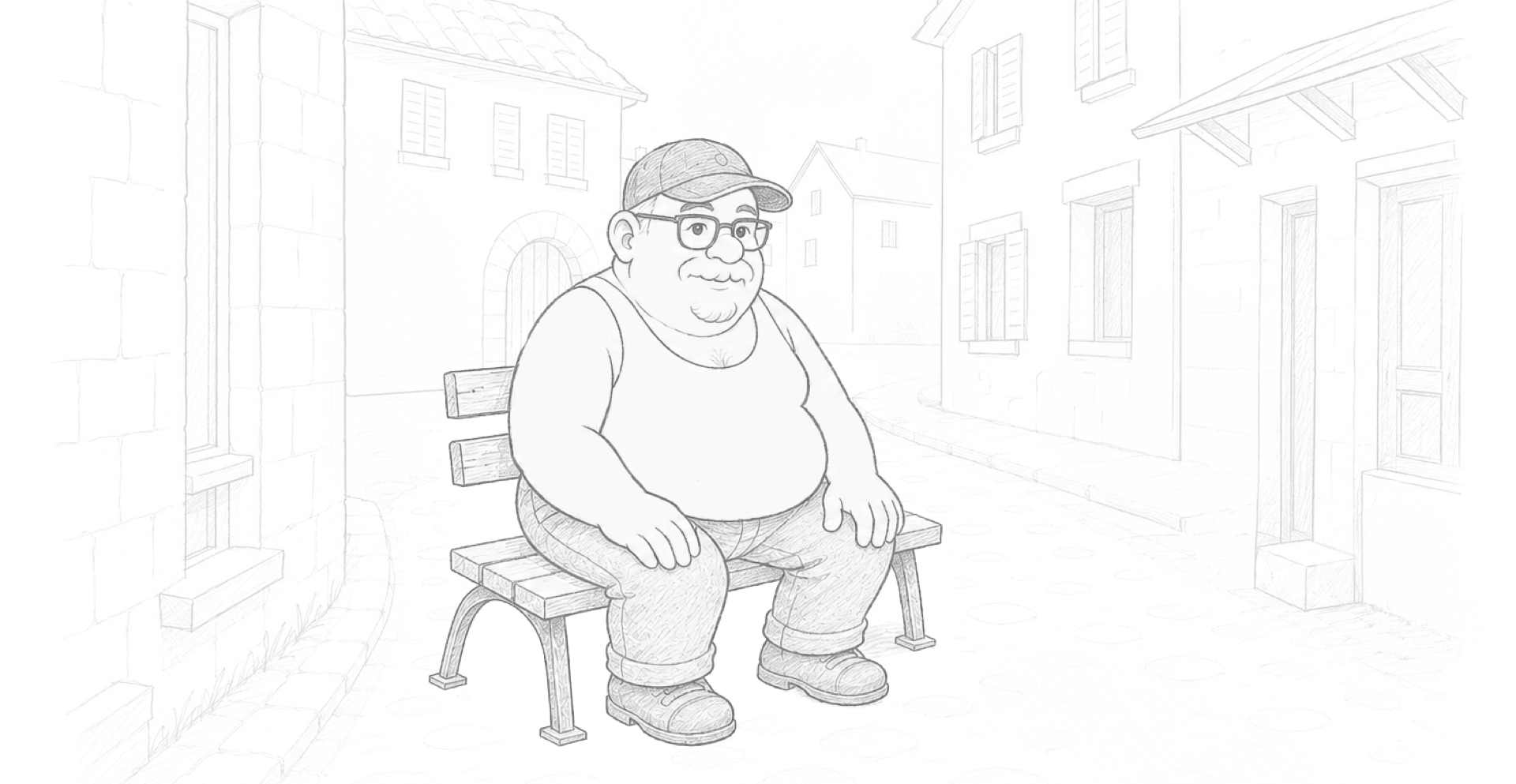
My figure drawing isn’t where I want it to be, so when I need to, I give my rough sketches to the tools and ask them to adjust the pose and proportions to fit the scene.
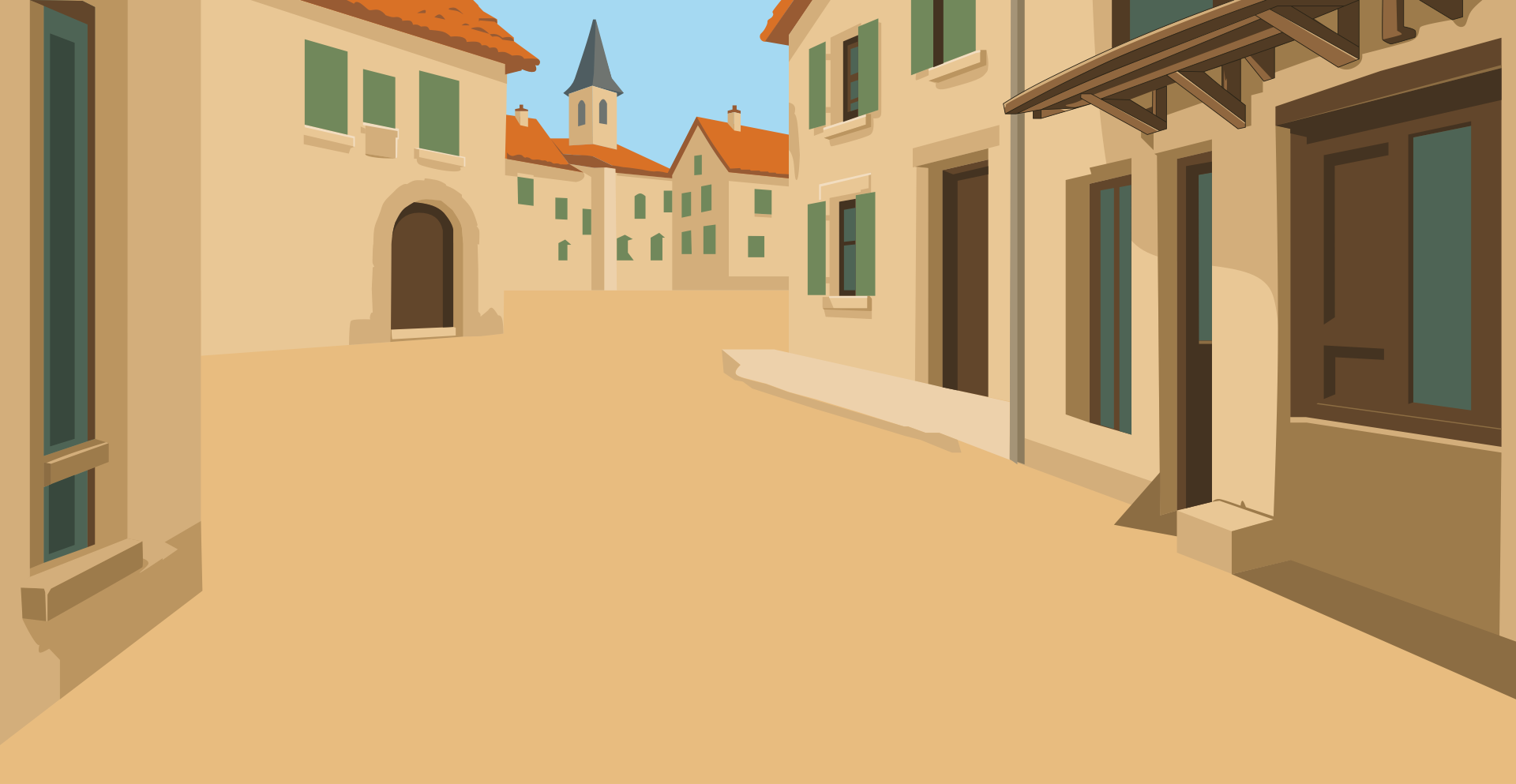
Once the compositional sketch was ready, I moved into Sketch and blocked in the background colours using vector shapes. I try to use simple shapes and as few path points as possible, partly because I like the look and partly because I want the final SVG to stay small. For this illustration style, I kept the colour palette deliberately limited.
Then, I added details in separate layers, again keeping the number of colours and shapes to a minimum.
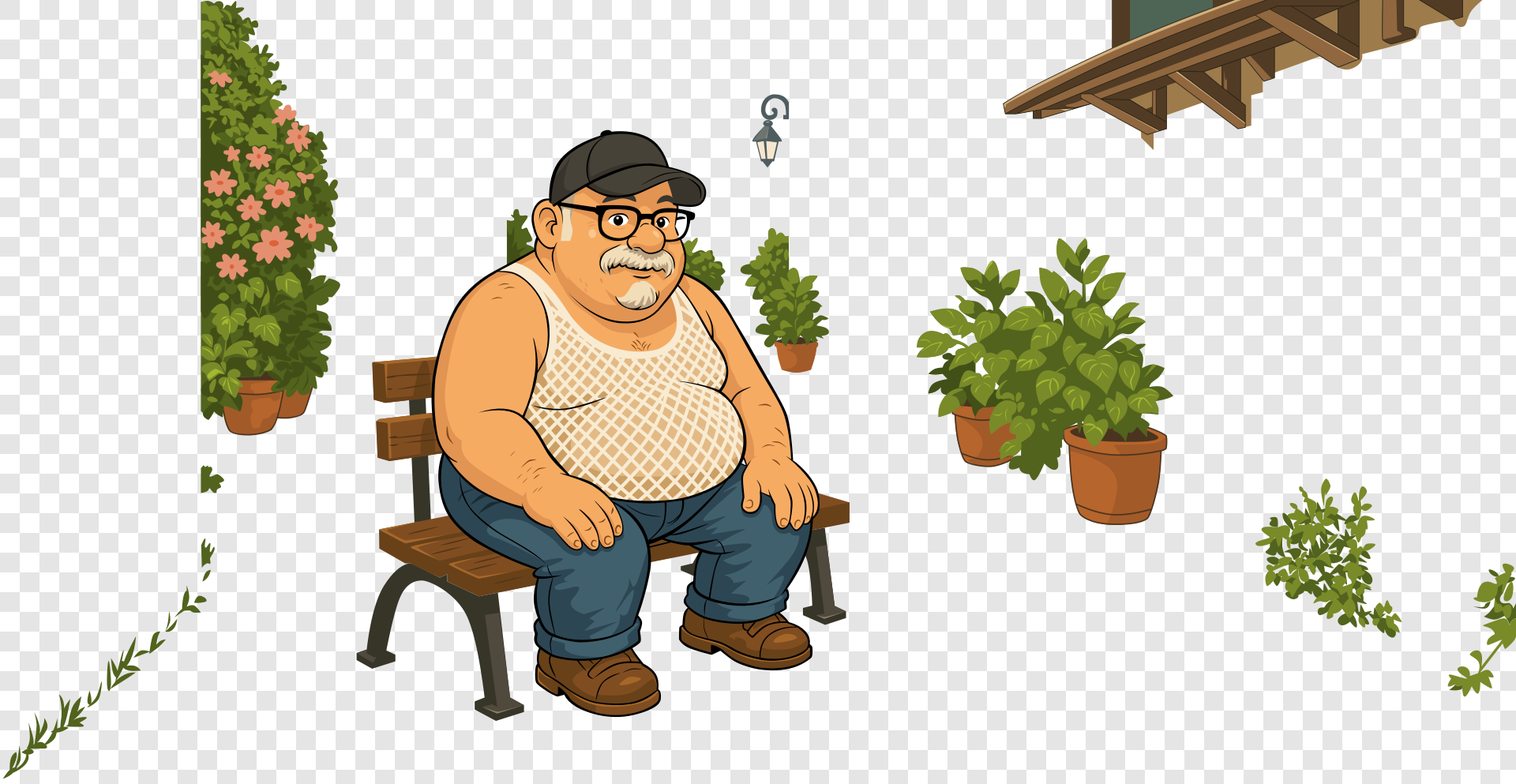
Finally, I assembled the elements ready to export as an SVG for animation.
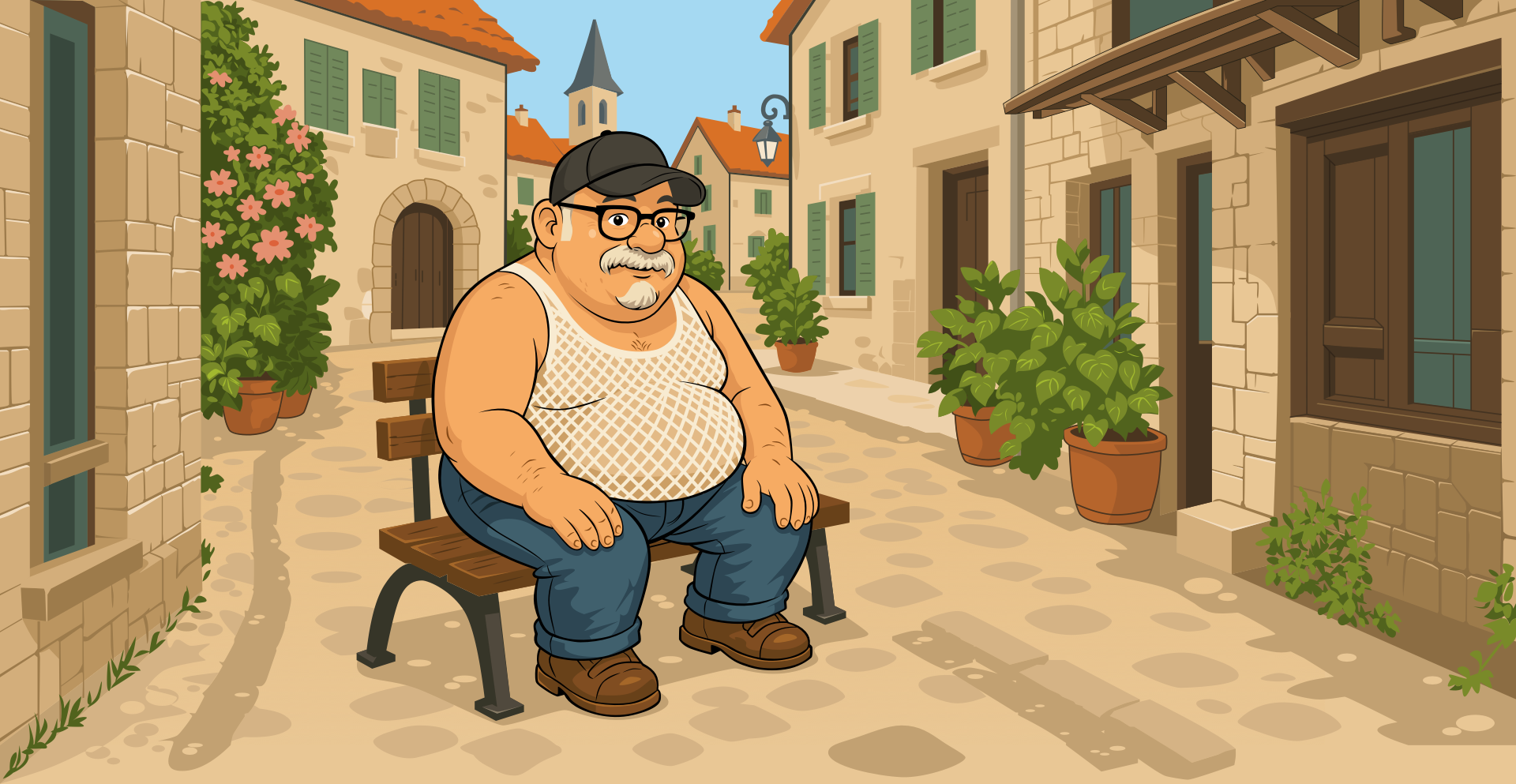
I’m still conflicted about using generative AI tools, especially for illustration. So, when I work on images like this, I think of my role more as a director than an artist.
I know what I want to achieve. I know how the finished piece should feel. I make sketches that are closer to storyboards than to finished drawings, then use generative tools to correct perspective, improve composition, and fill gaps in my drawing skills. That makes the process iterative, and the tools help me get closer to an idea I already had, rather than inventing one for me.
That’s the topic I want to explore in Berlin: not how AI can make pictures from just a prompt, but how it can help people like me make better what I’ve already made better.
More from Stuff & Nonsense
Services I offer
Product UX design
The contract template trusted by thousands of designers and developers to keep their web projects running smoothly.
Design mentorship and teaching
Whether you’re stuck, starting out, or stepping up—Andy’s here to help you become a better designer.
Squarespace templates for sale
Take your Squarespace designs from good to great with my bespoke templates.
Andy Clarke on YouTube
Join Andy on YouTube to learn how you can make better product and website designs.