How I built an animated SVG gold mine scene with CSS
I redesigned my contact page animation as a gold mine scene. Here’s how I approached the artwork, structured the SVG, and added subtle ambient animation using CSS.
Of all the “pioneering” graphic animations I’ve made this year, the one I disliked the most was on my contact page. That was one of the first ones I’d produced, and it was before I’d really got into the process. Anyway, it’s gone, replaced with a new gold mine graphic.
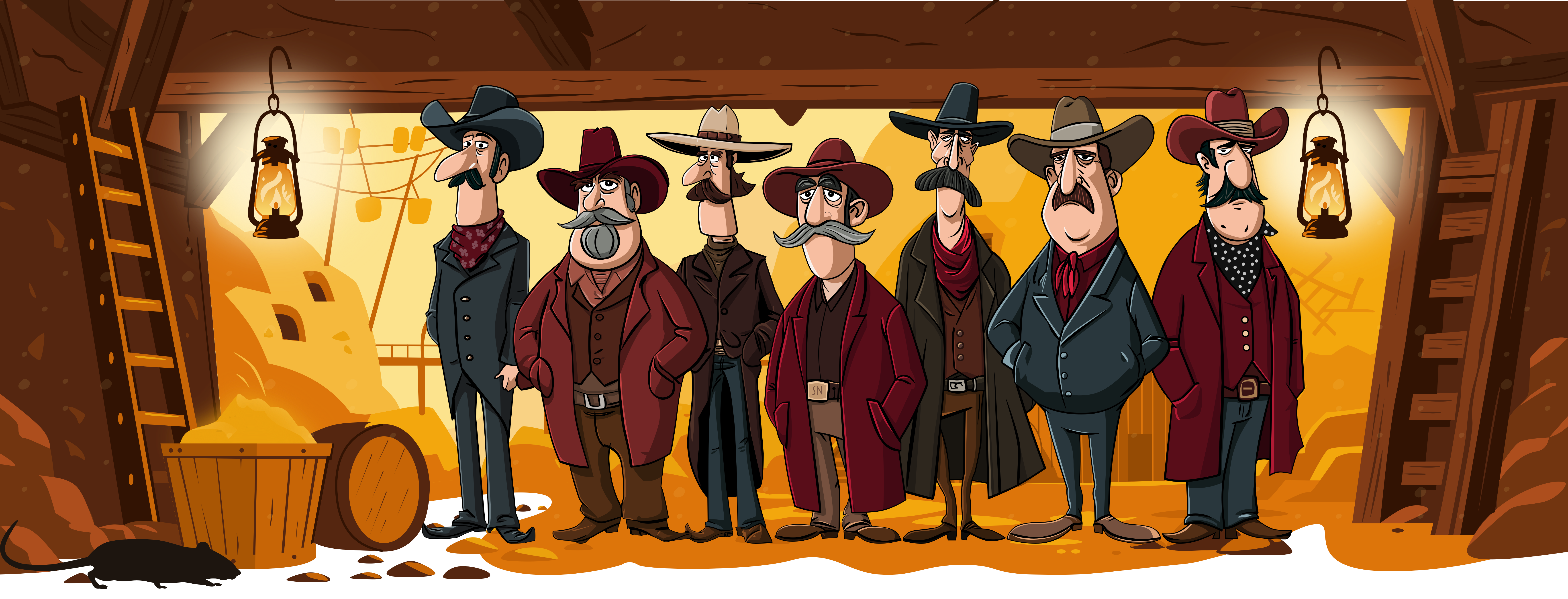
This time, I set my Magnificent 7 pioneers in the entrance to a gold mine. There’s dust in the air, gold shimmering, and oil lamps glowing and swinging.
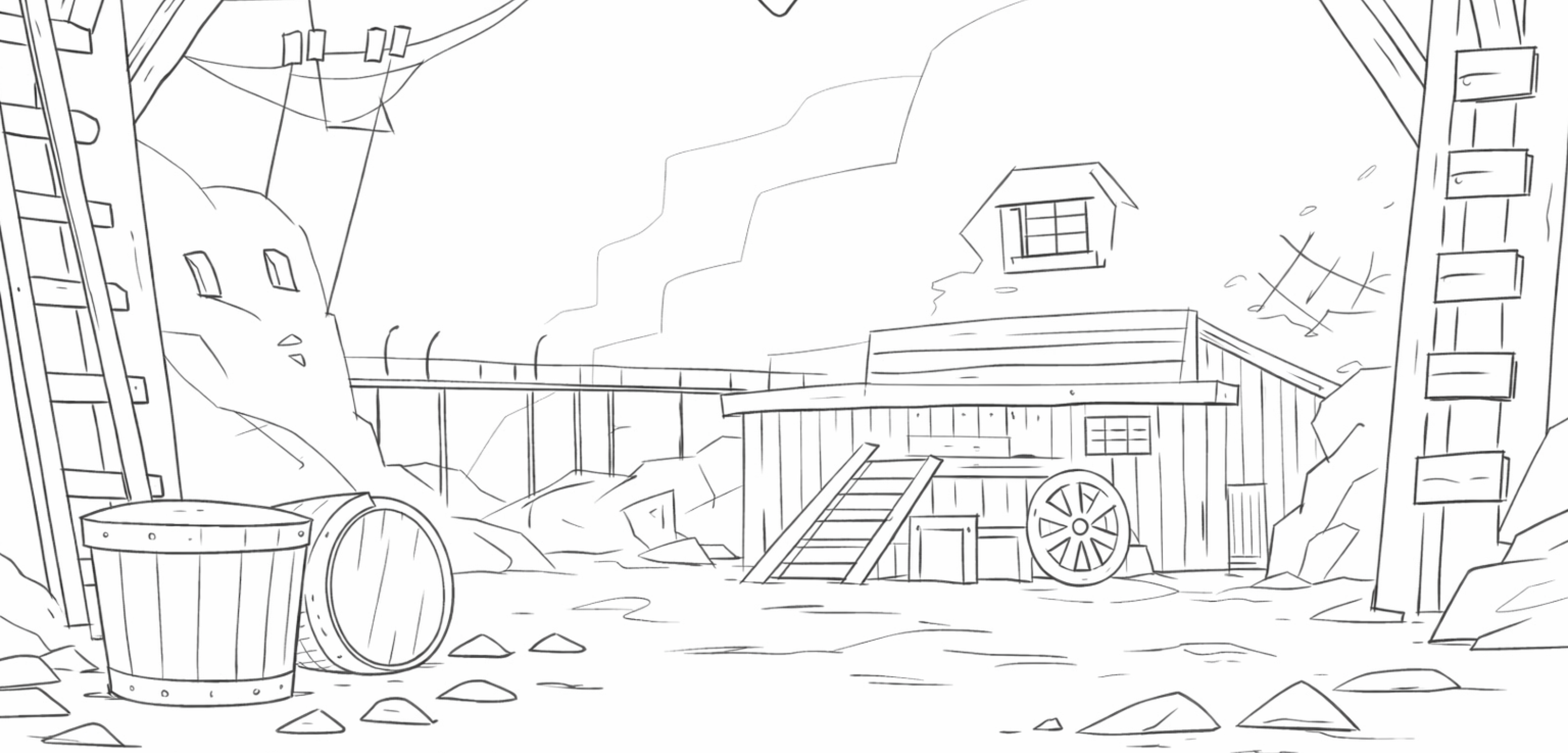
Sketching the scene
I started with a loose pencil sketch.
Preparing SVG elements for animation
I moved the artwork into Sketch to make my vectors. When designing SVG for animation, I separate anything that might move into its own element, so I can control it independently later:
- Background buckets swaying
- Dust particles in the air
- Lamps glowing and swinging
- Pile of gold shimmering
Layering animation effects
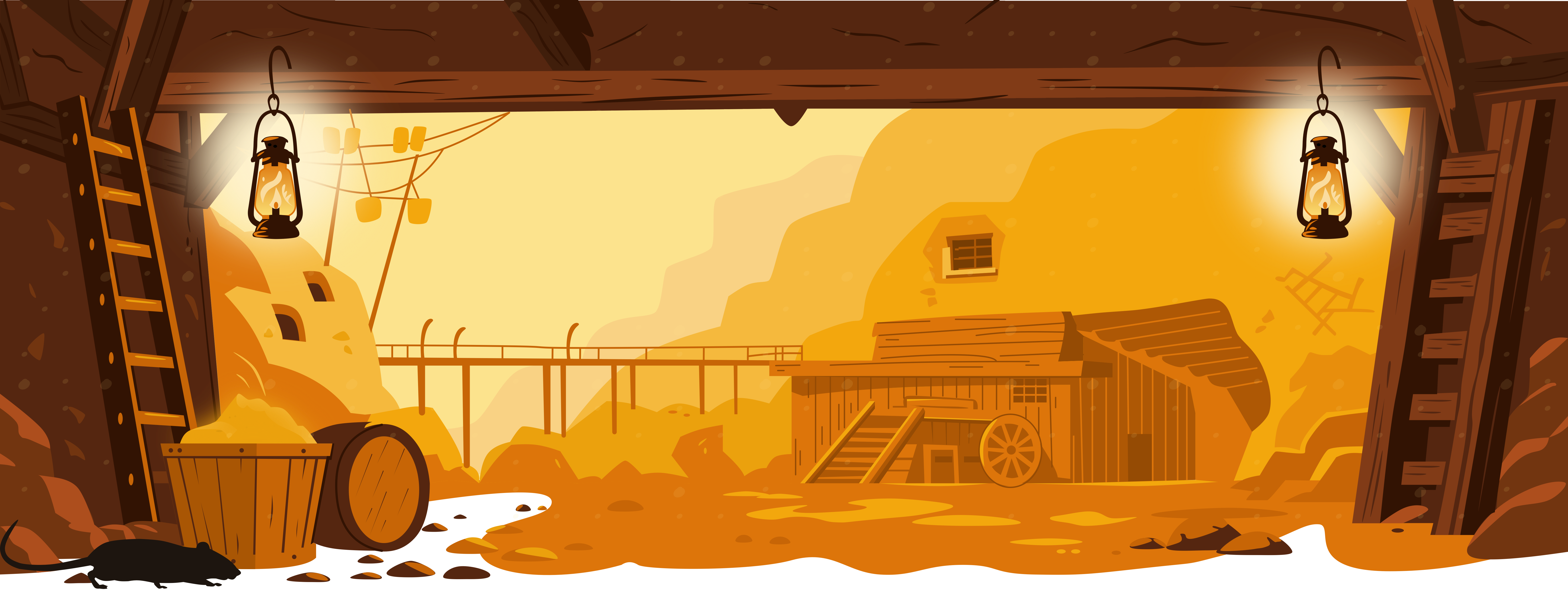
CSS animations make the buckets sway, and lamps swing, then a little vanilla JS spawns and animates the dust particles and gold shimmers. Here’s the gold mine graphic on its own, so you can see all the components.
As I said before, I’ve been having way too much fun with my website since I implemented the new pioneer characters, so I doubt this will be the last time I add new features. In fact, I guarantee it won’t be.
More from Stuff & Nonsense
Services I offer
Product UX design
The contract template trusted by thousands of designers and developers to keep their web projects running smoothly.
Design mentorship and teaching
Whether you’re stuck, starting out, or stepping up—Andy’s here to help you become a better designer.
Squarespace templates for sale
Take your Squarespace designs from good to great with my bespoke templates.
Andy Clarke on YouTube
Join Andy on YouTube to learn how you can make better product and website designs.