Updates to my Toon Text styles gallery and generator
I mentioned last week that as well as expanding my Toon Text styles gallery, I’d added a Toon Text generator to help me (and you) create text in the style of those classic cartoon title cards. Now, I’ve launched a major update to both.
Toon Text demonstrates how to style text to resemble cartoon title cards using CSS properties, including background-clip, filters, text-shadow, text-stroke, and more. I’m building the collection as I love experimenting with combining those properties.
The Toon Text generator lets you use those properties to create Toon Text from presets or from scratch and see the results instantly.
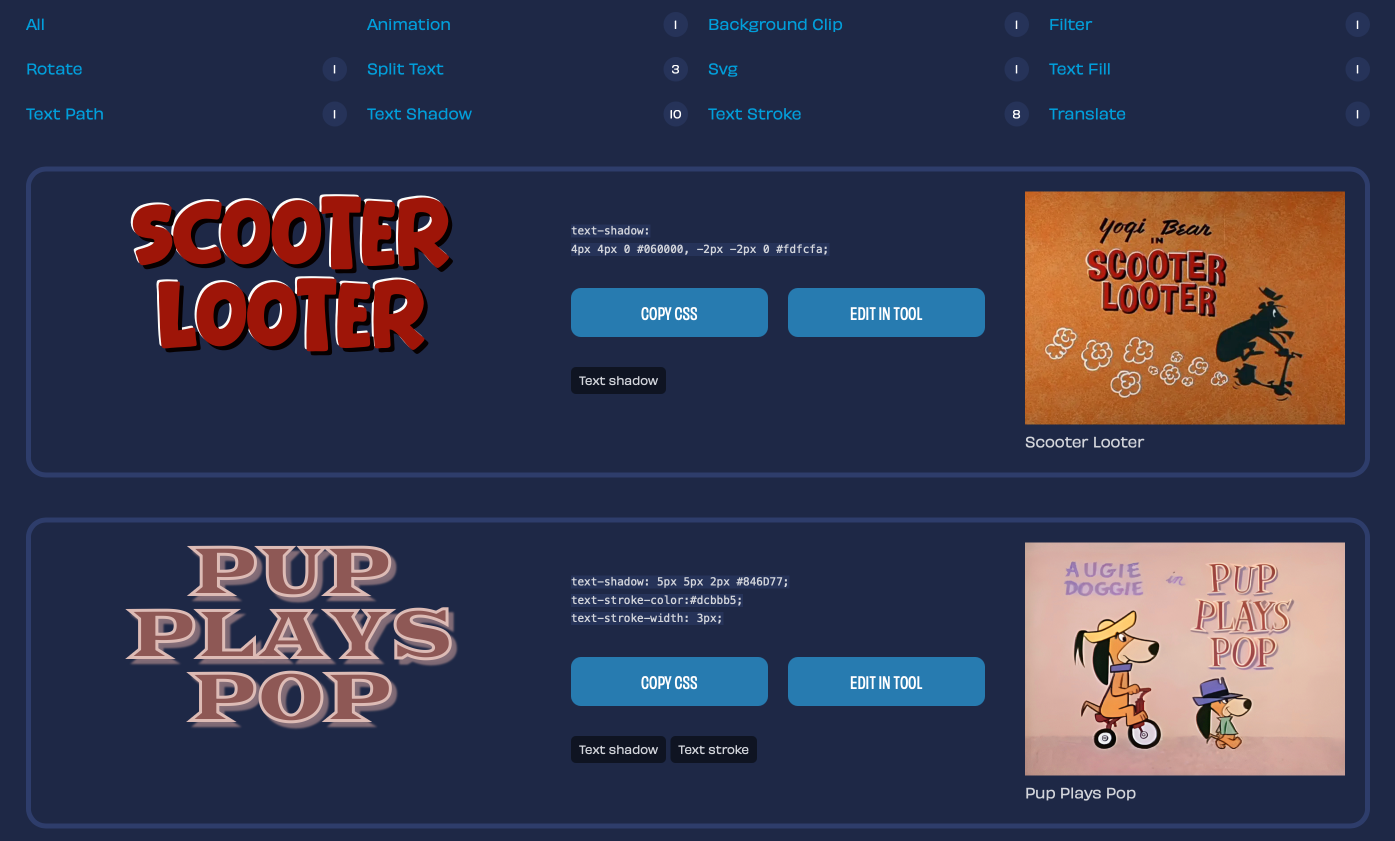
Updates to Toon Text
As my collection grows, I wanted to add filtering to the page based on how I tag each example. There’s now navigation which filters the examples by tag, for example filter. JavaScript automatically populates this navigation from my tags and displays how many examples are tagged.
Previously, I’d added buttons which navigated to the Toon Text generator. Now, JavaScript reads the computed styles of each example and passes them to the generator to use as starting points for creating new Toon Text. It even passes the title text.
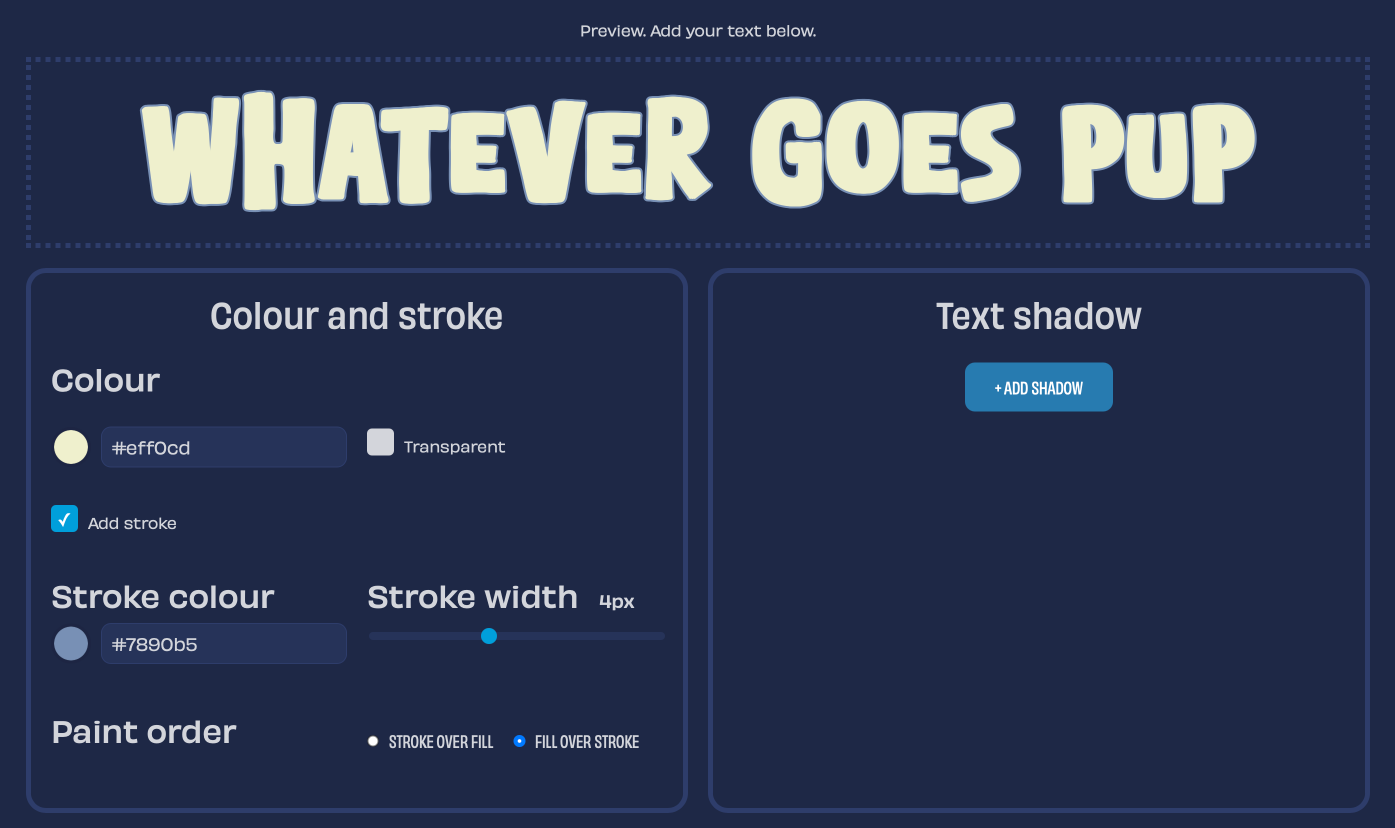
Updates to the Toon Text generator
As I mentioned, navigating from the Toon Text gallery to the generator now allows you to use its styles as starting points. I’ve also added new presets and a sticky contenteditable preview box.
I’ll no doubt refine both of these over time, but for now, here’s my updated Toon Text styles gallery and Toon Text generator. You might also like my more accessible text splitting tool, Splinter.js. which I also introduced today.
More from Stuff & Nonsense
Services I offer
Product UX design
The contract template trusted by thousands of designers and developers to keep their web projects running smoothly.
Design mentorship and teaching
Whether you’re stuck, starting out, or stepping up—Andy’s here to help you become a better designer.
Squarespace templates for sale
Take your Squarespace designs from good to great with my bespoke templates.
Andy Clarke on YouTube
Join Andy on YouTube to learn how you can make better product and website designs.