Eleventy in a Box
A premium Eleventy starter kit for designers and developers who want to spend less time setting up the same project structure and more time designing distinctive websites.
Before my workshop last week, I made some changes to my Compound grid generator. After the workshop, I made a new grid generator tool, this time designed to create modular grids.
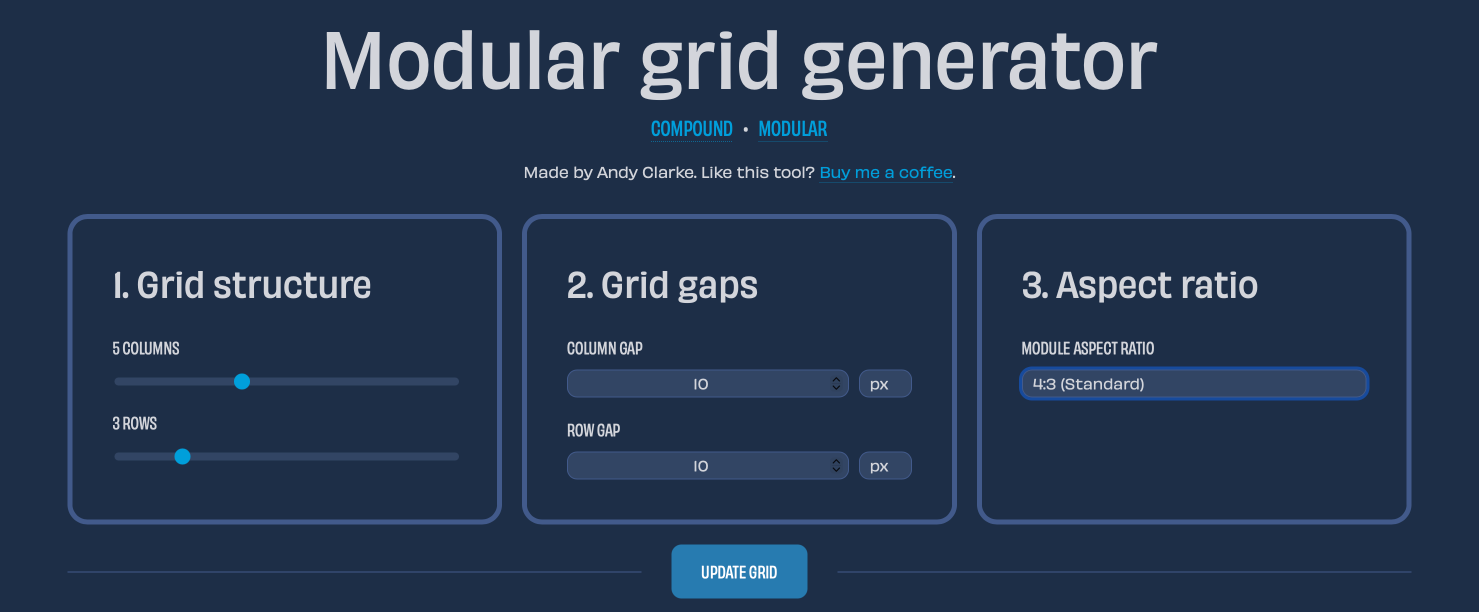
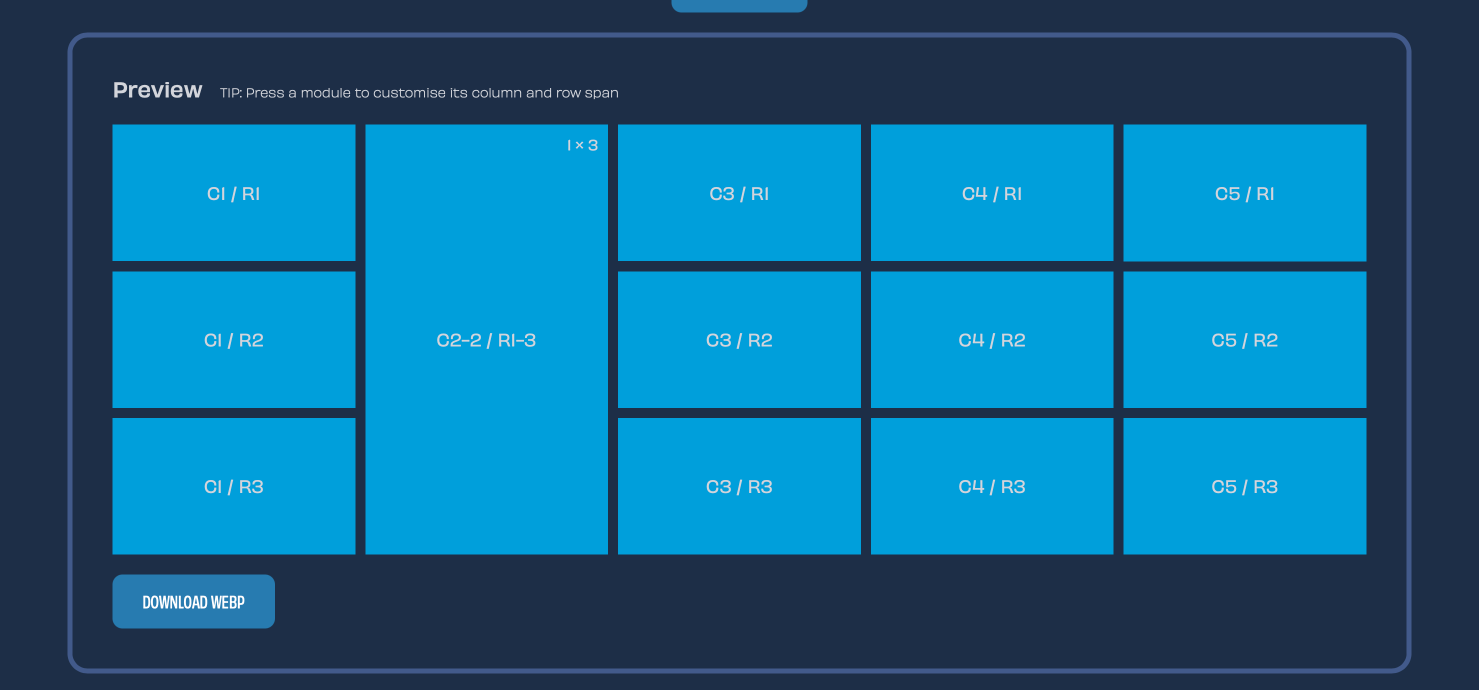
This new Modular grid generator lets you choose the number of columns and rows you need for your modular grid. You can also specify the column and row gaps in px, em, rem, and % units. Lastly, you can choose from a selection of common aspect ratios for your modules.
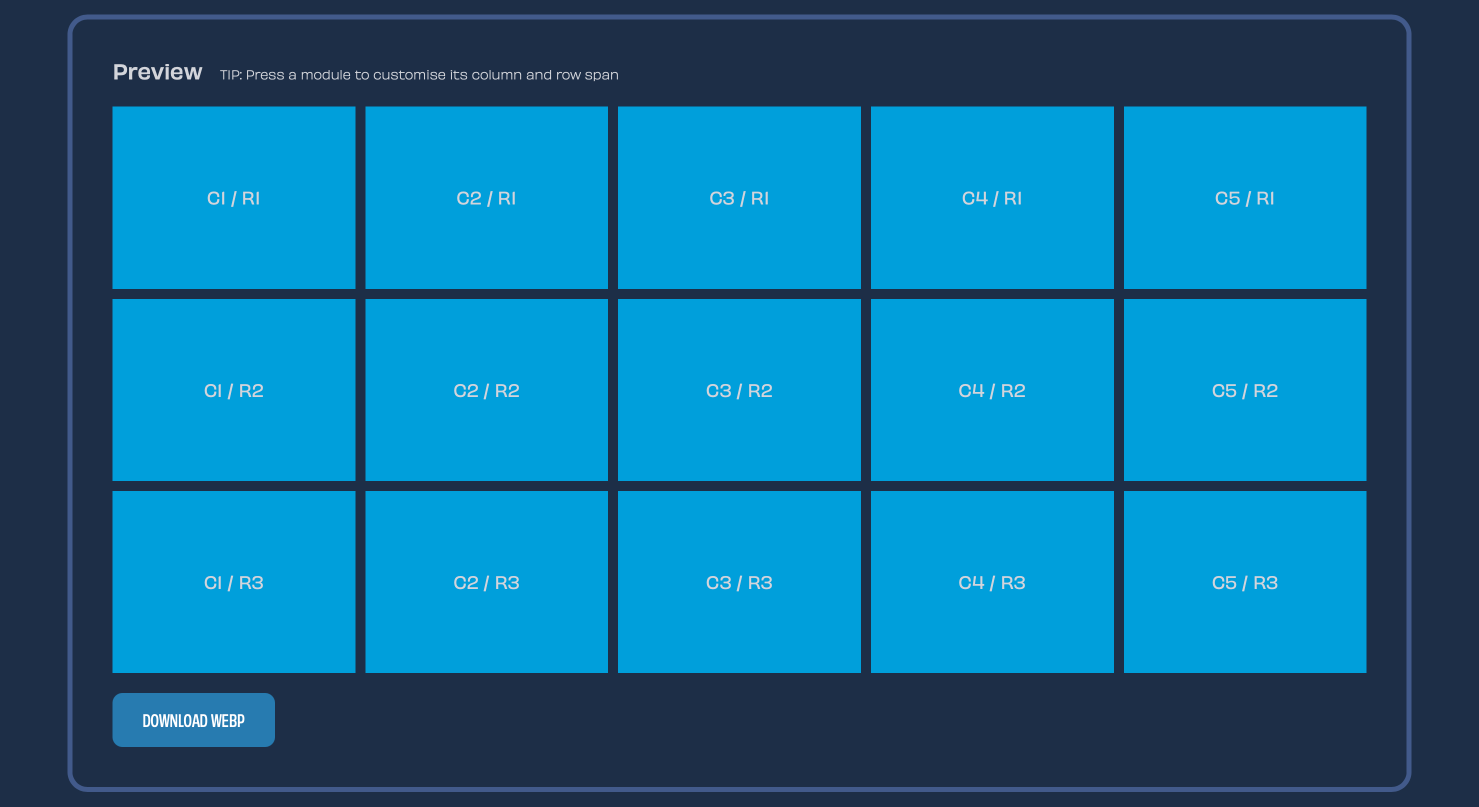
An automatic preview of your grid also includes column and row position values. You can download a WebP image of the generated grid.
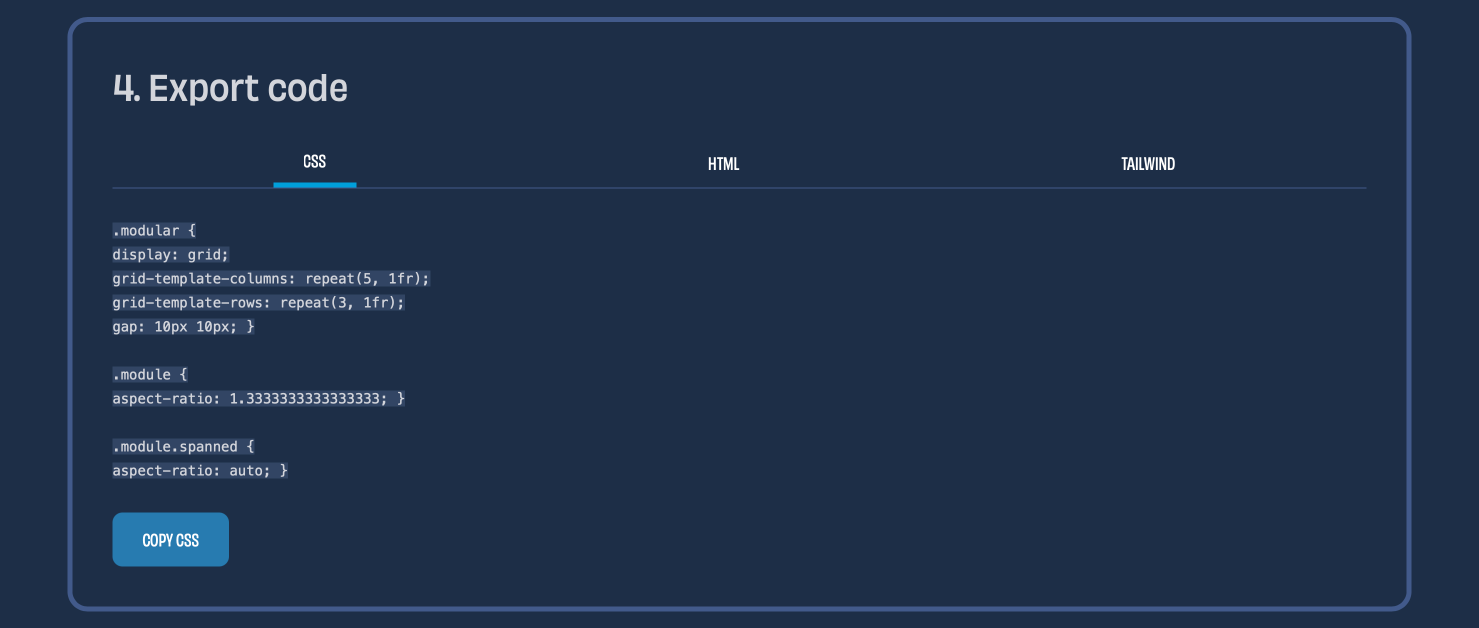
You can also copy the HTML and CSS code to your clipboard.
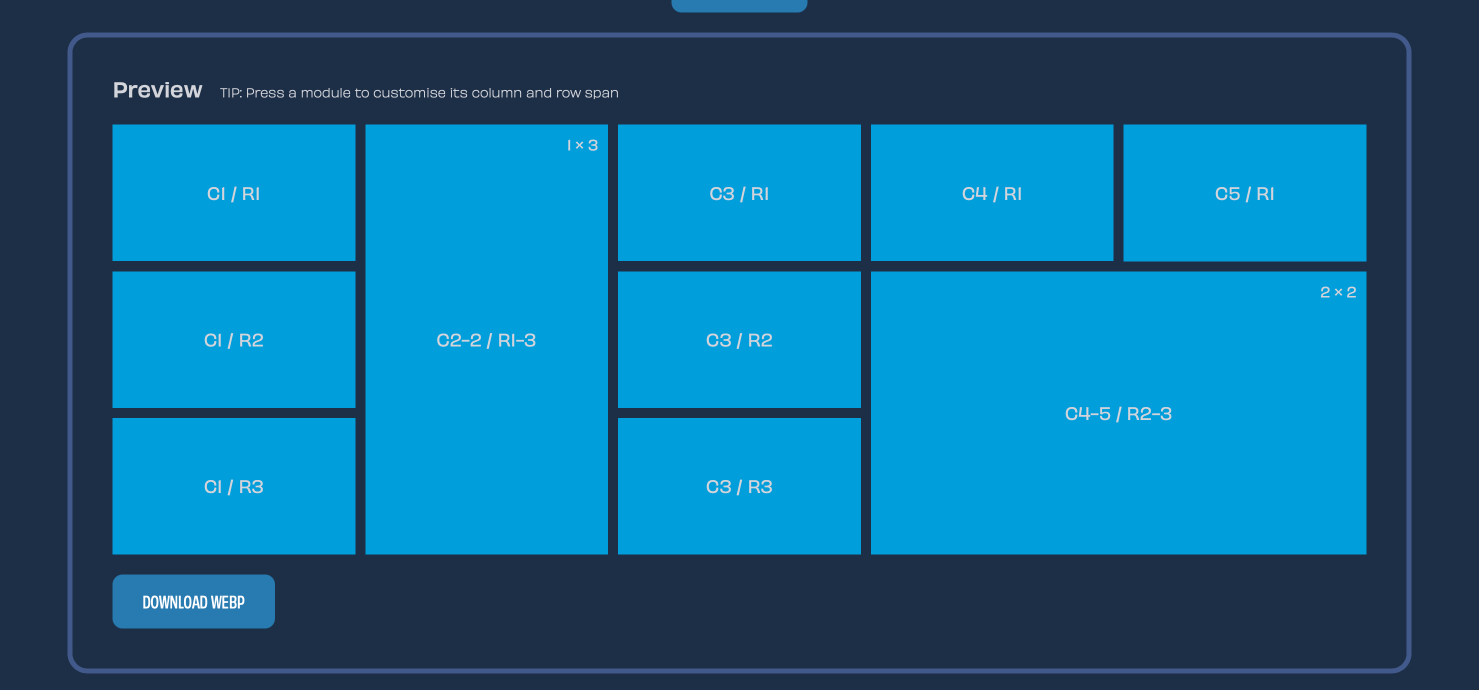
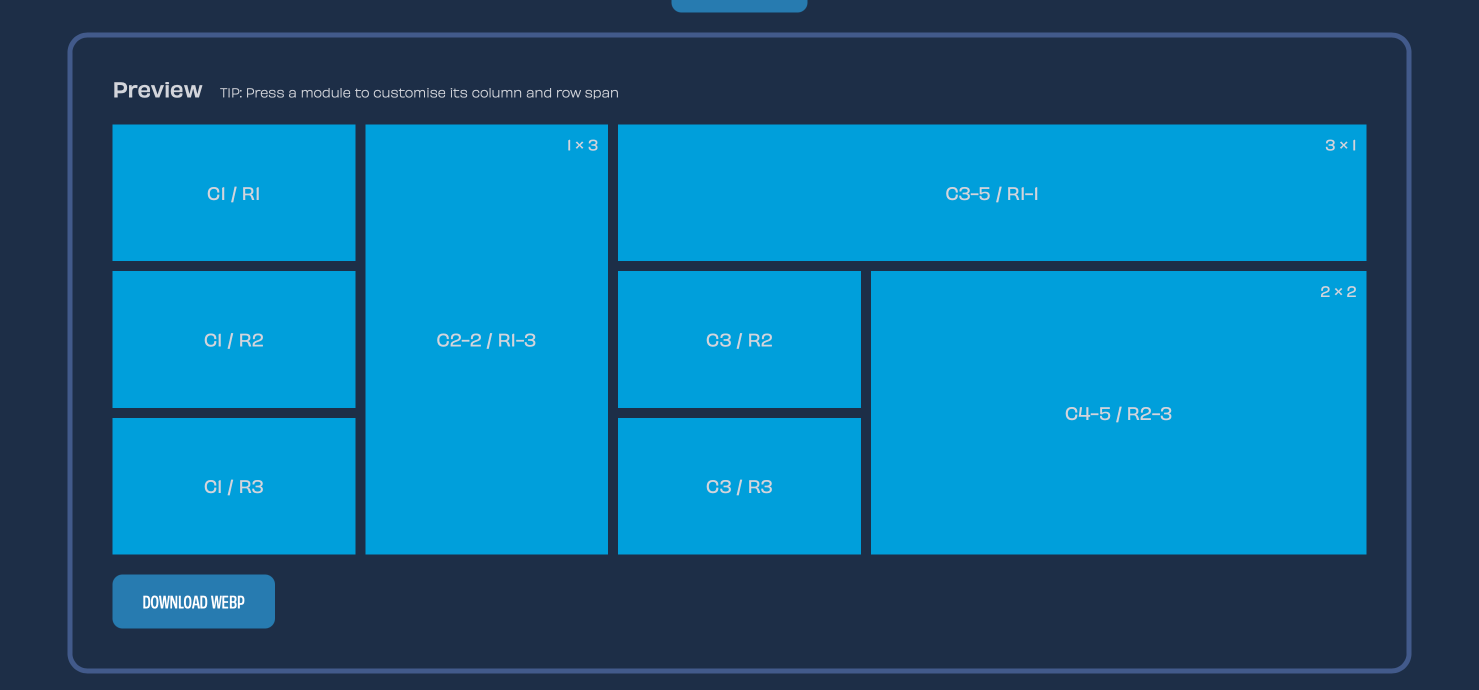
But there’s more. Press on any of the modules to open a modal where you can choose how many columns or rows a module can span.
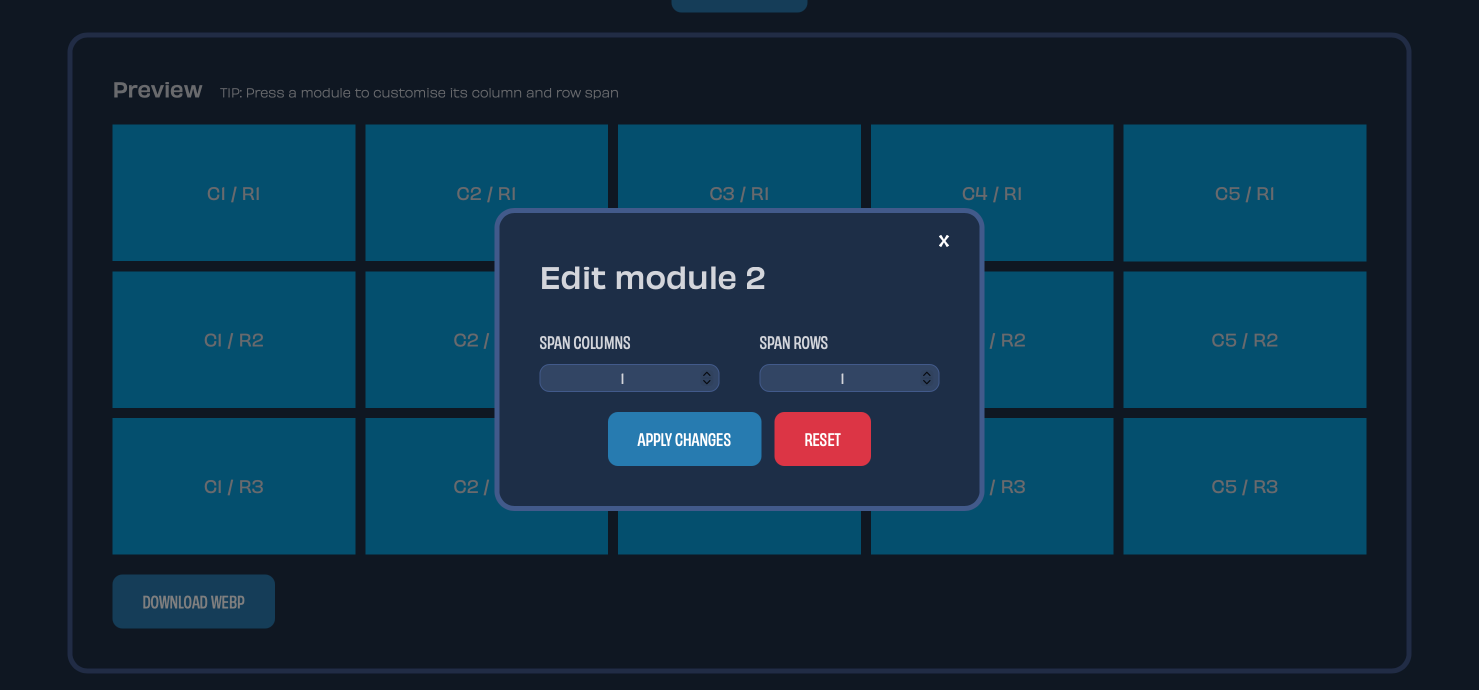
This lets you easily create a variety of layouts from your modular grid.
And, if you’re the Tailwind sort, you can copy code for that framework too.
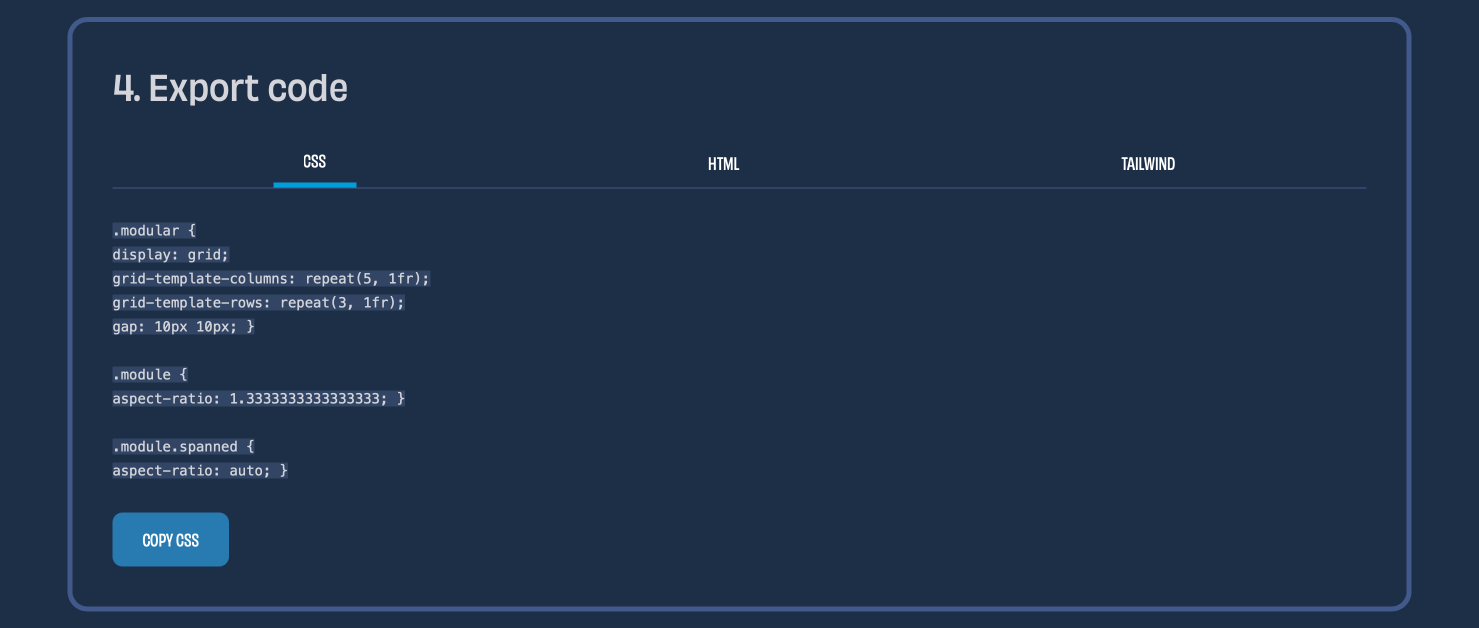
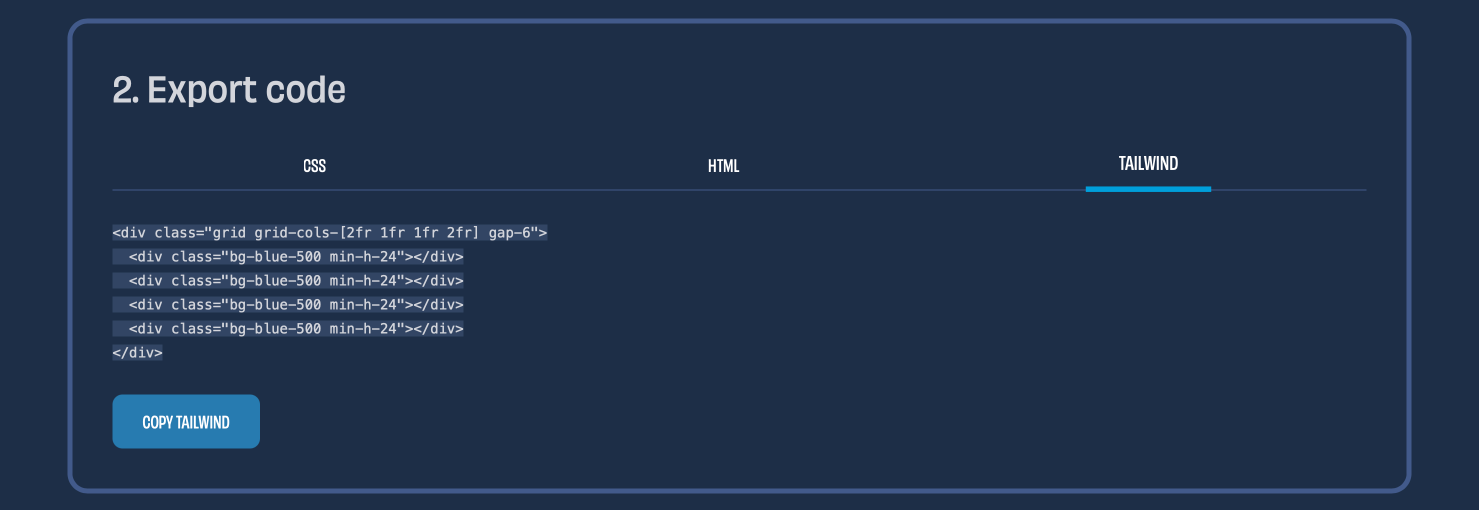
Finally, I also added Tailwind to the export options in my Compound grid generator, to keep the functionality of my layout generators in sync.
Try out the new Modular grid generator and improved Compound grid generator. If you like them, you can buy me a coffee.
A premium Eleventy starter kit for designers and developers who want to spend less time setting up the same project structure and more time designing distinctive websites.
Contract Killer is plain and simple and there’s no legal jargon. It’s customisable to suit your business and has been used on countless web projects since 2008.
Free compound grid and modular grid layout generators, plus a set of HTML/CSS layout templates you can call on to make more interesting layouts, available to buy.