Eleventy in a Box
A premium Eleventy starter kit for designers and developers who want to spend less time setting up the same project structure and more time designing distinctive websites.
Sometimes I don’t want to style a whole word or heading. I want to style individual letters—to nudge a character into place, give one glyph extra weight, or animate a few letters independently. Sadly, some splitting solutions don’t deliver an always accessible result. With the help of a developer pal, I've written my own text splitter, Splinter.js.
In plain HTML and CSS, there’s only one reliable way to do that: wrap each character in its own span element. I could do that manually, but that would be fragile, hard to maintain, and would quickly fall apart when copy changes. Instead, when I need per-letter control, I use a text-splitting library like splt.js (although other solutions are available). This takes a text node and automatically wraps words or characters, giving me extra hooks to animate and style without messing up my markup.
It’s an approach that keeps HTML readable and semantic, while giving me the fine-grained control I need to recreate the uneven, characterful typography you see in classic cartoon title cards. However, this approach comes with accessibility caveats, as most screen readers read text nodes in order. So this:
<h2>Hum Sweet Hum</h2>Reads as you’d expect:
“Hum Sweet Hum”
But this:
<h2>
<span>H</span>
<span>u</span>
<span>m</span>
[…]
</h2>
That can be interpreted differently depending on the browser and screen reader. Some will concatenate the letters and read the words correctly. Others may pause between letters, which in a worst-case scenario might sound like:
“H…” “U…” “M…”
To activate my Toon Text splitter, add a data-split="toon" attribute to the element you want to split:
<h2 data-split="toon">Hum Sweet Hum</h2>First, Splinter.js separates each word into individual letters and wraps them in a span element with a toon-char class and aria-hidden attributes applied:
<span class="toon-char" aria-hidden="true">H</span>
<span class="toon-char" aria-hidden="true">u</span>
<span class="toon-char" aria-hidden="true">m</span>
The script then takes the initial content of the splintered element and adds it as an aria-label attribute to help maintain accessibility:
<h2 data-split="toon" aria-label="Hum Sweet Hum">
<span class="toon-char" aria-hidden="true">H</span>
<span class="toon-char" aria-hidden="true">u</span>
<span class="toon-char" aria-hidden="true">m</span>
</h2>
Lines of text separated by <br> elements are wrapped in a span element with a toon-line class attribute applied:
<h2 data-split="toon" aria-label="Hum Sweet Hum">
<span class="toon-line">
<span class="toon-char" aria-hidden="true">H</span>
<span class="toon-char" aria-hidden="true">u</span>
<span class="toon-char" aria-hidden="true">m</span>
</span>
[…]
</h2>
With those class attributes applied, I can then style individual characters as I choose.
My goal is make a text splitter which is more accessible than others I’ve found. If you’re an accessibility expert, I’d love to hear your thoughts and suggestions for how to improve Splinter.js.
I also wanted to make Splinter.js small, really small. The minified script file weighs in at only 1.3Kb. If you’re a Javascript expert, I’d love to see your improvements. Splinter.js is available on GitHub.
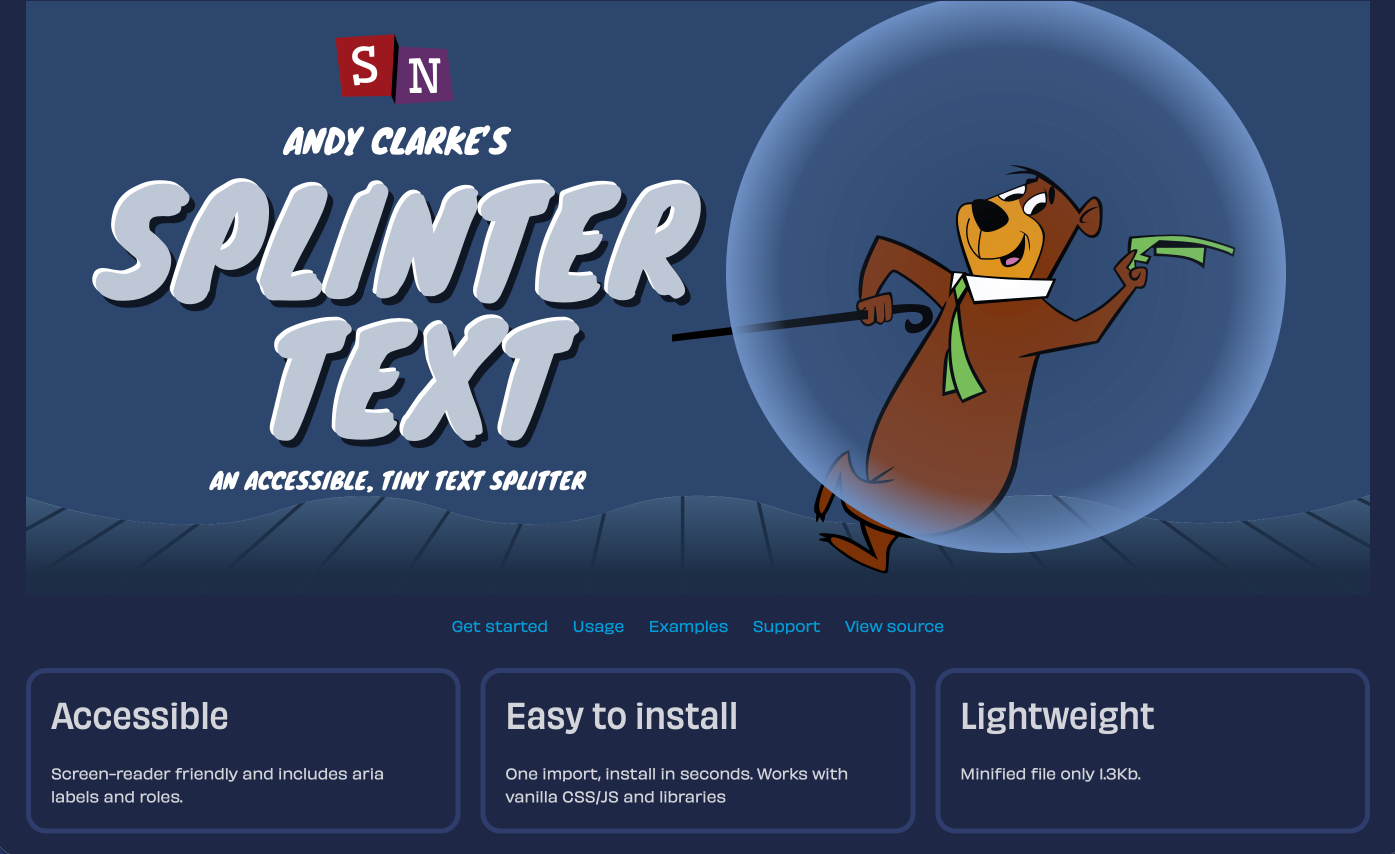
So here’s Splinter.js, a lightweight and (hopefully) more accessible text splitting tool.
A premium Eleventy starter kit for designers and developers who want to spend less time setting up the same project structure and more time designing distinctive websites.
Contract Killer is plain and simple and there’s no legal jargon. It’s customisable to suit your business and has been used on countless web projects since 2008.
Free compound grid and modular grid layout generators, plus a set of HTML/CSS layout templates you can call on to make more interesting layouts, available to buy.