Eleventy in a Box
A premium Eleventy starter kit for designers and developers who want to spend less time setting up the same project structure and more time designing websites.
I have to admit that I got a little over-excited when I read that the contrast-color() function is supported in Safari and was keen to try it out. But there’s a problem, the thing with contrast-color is…
As Juan writes on CSS Tricks:
Given a certain color value, contrast-color() returns either white or black, whichever produces a sharper contrast with that color. So, if we were to provide coral as the color value for a background, we can let the browser decide whether the text color is more contrasted with the background as either white or black.
So yeah, define a background colour and the browser will choose either black or white to contrast it with:
h1 {
background-color: var(--color-background);
color: contrast-color(var(--color-background)); }
For my website design, I chose a dark blue background colour (#212E45) and light text (#d3d5da). This colour is off-white to soften the contrast between background and foreground colours, while maintaining a decent level for accessibility considerations.
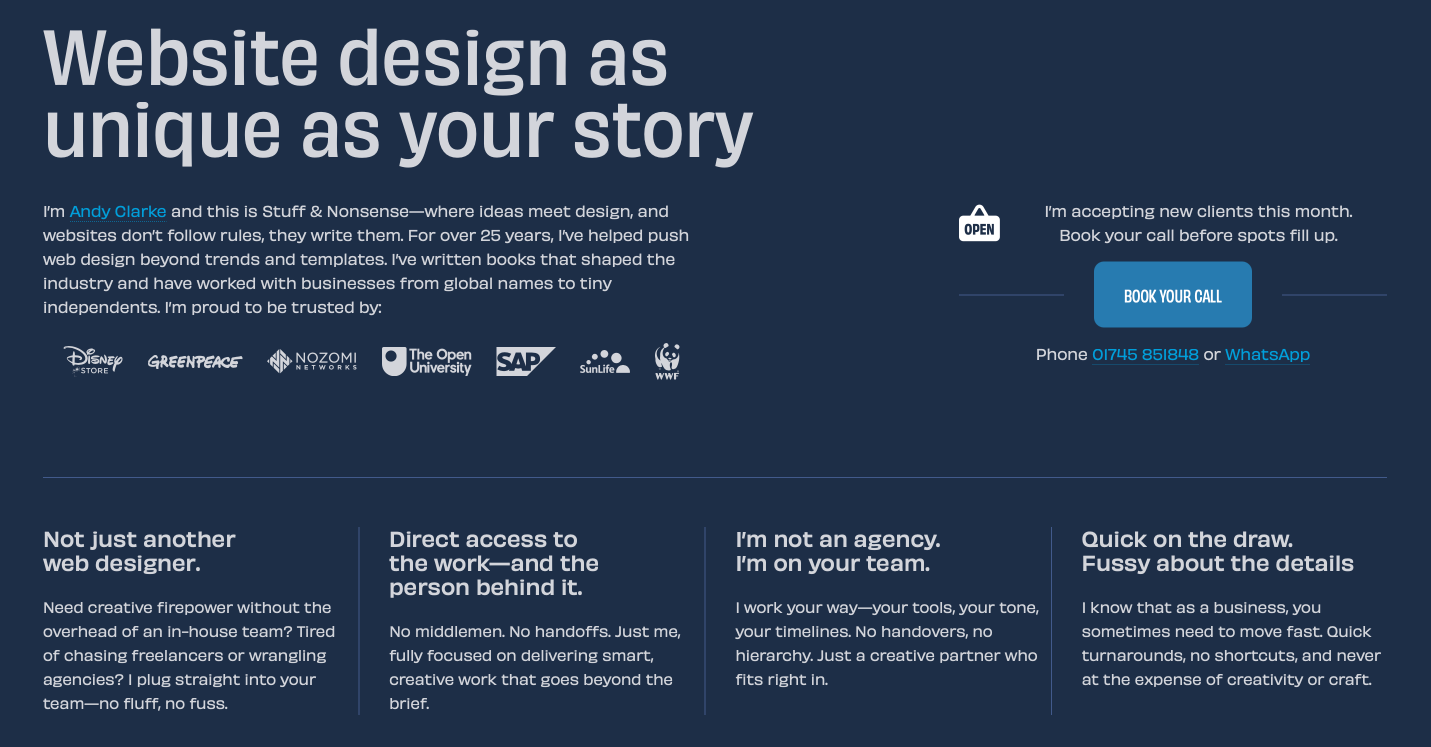
But here’s the thing. The contrast-color() function chooses either white for dark backgrounds or black for light ones. At least to my eyes, that contrast is too high and makes reading less comfortable, at least for me.
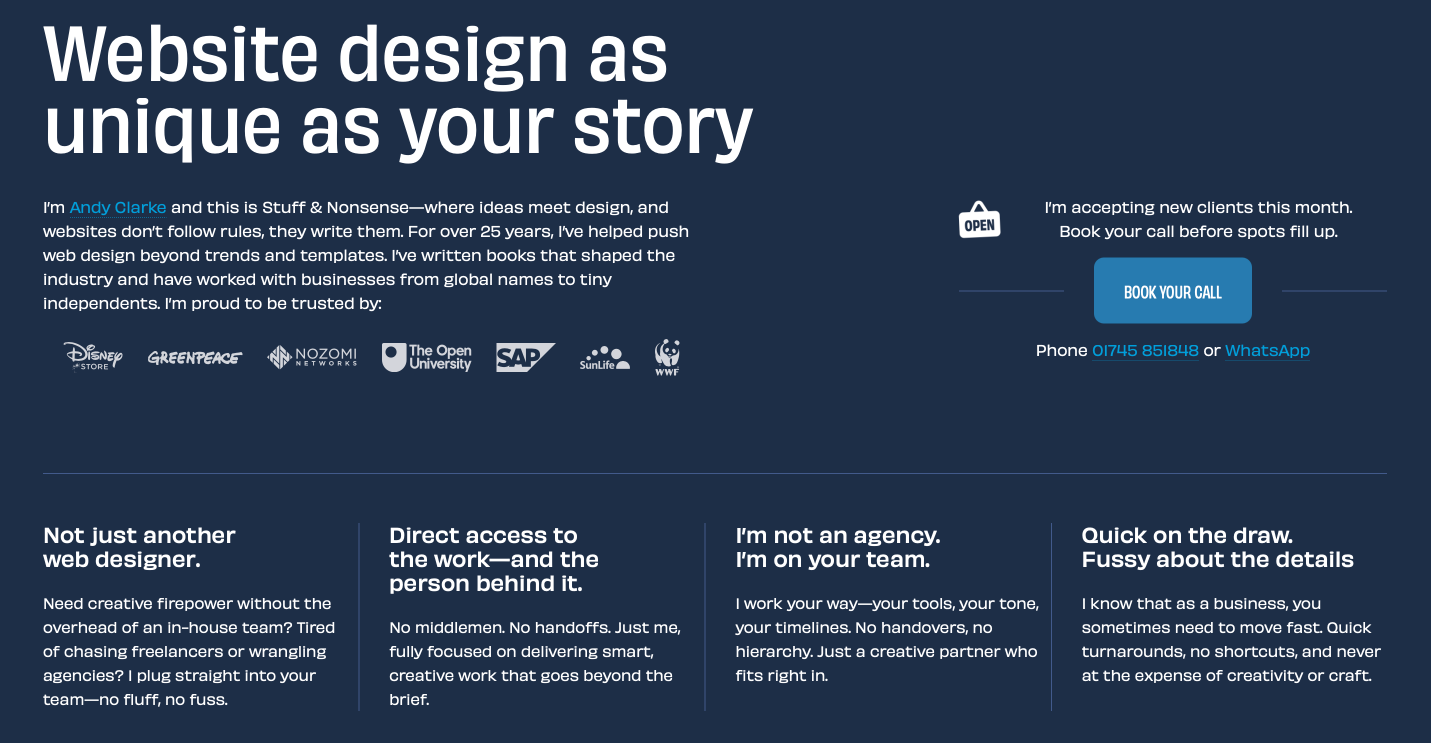
It feels even more uncomfortable on really dark backgrounds like my bio page.

And, inexplicably, there’s no way to adjust that contrast, even though there’s a contrast filter which does offer that flexibility:
filter: contrast(50%);I just wish these two things were joined up in some way. Maybe by adding the filter syntax to the contrast-color() function. Something like this:
h1 {
color: contrast-color(var(--color-background) 50%); }
Oh well. I guess we just can’t have nice things. (Yet.)

I’m Andy Clarke. I’ve spent over thirty years helping clients create memorable websites. I’m also the author of five books on web design.
Planning a new website? I’d love to help you create something memorable.
A premium Eleventy starter kit for designers and developers who want to spend less time setting up the same project structure and more time designing websites.
Contract Killer is plain and simple and there’s no legal jargon. It’s customisable to suit your business and has been used on countless web projects since 2008.
Free compound grid and modular grid layout generators, plus a set of HTML/CSS layout templates you can call on to make more interesting layouts, available to buy.