I built a silly shooting game in less than 300KB
When I’ve had a few spare minutes, I’ve been adding to and optimising my Magnificent 7 character animations to improve rendering speed. Then I had the idea to build a silly fairground-style shooting game, and I set myself the challenge of keeping it as small as possible.
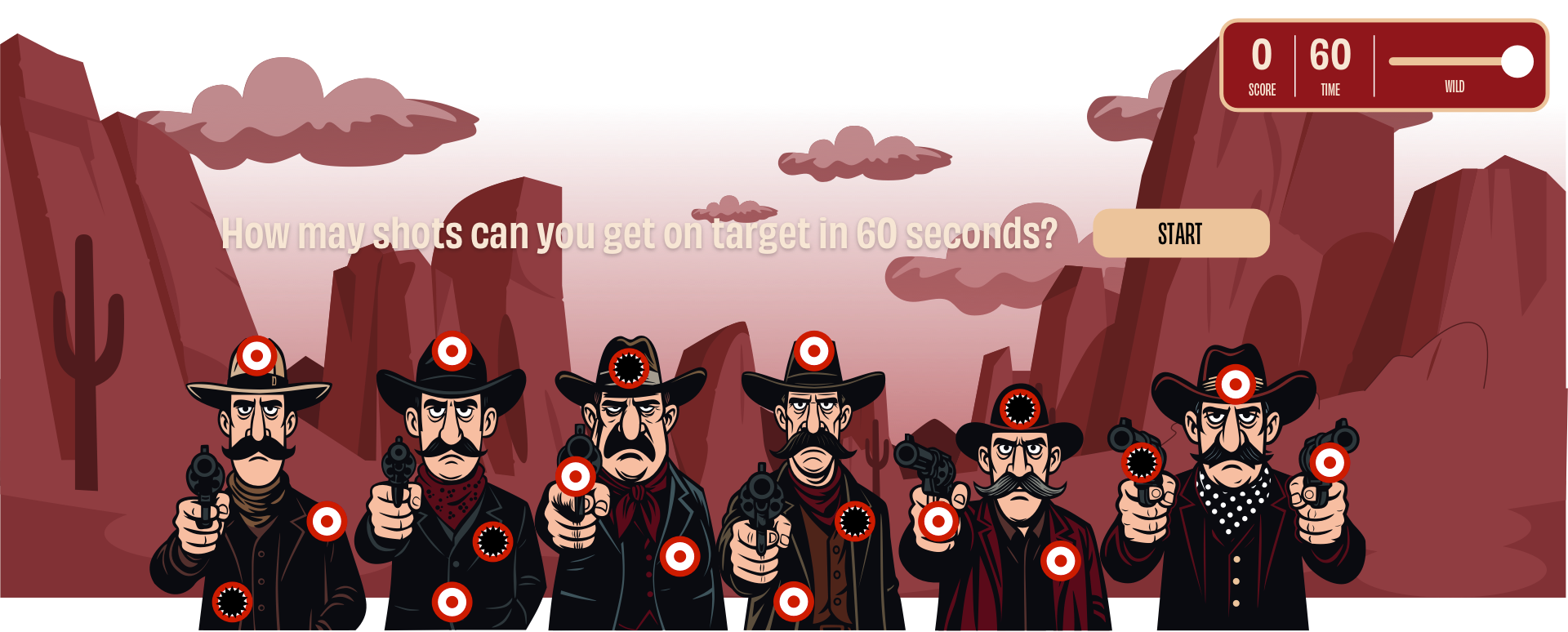
You’ll find the Shooting Gallery on my articles page. It’s a temporary place while I test out the game, as people hardly ever go there.
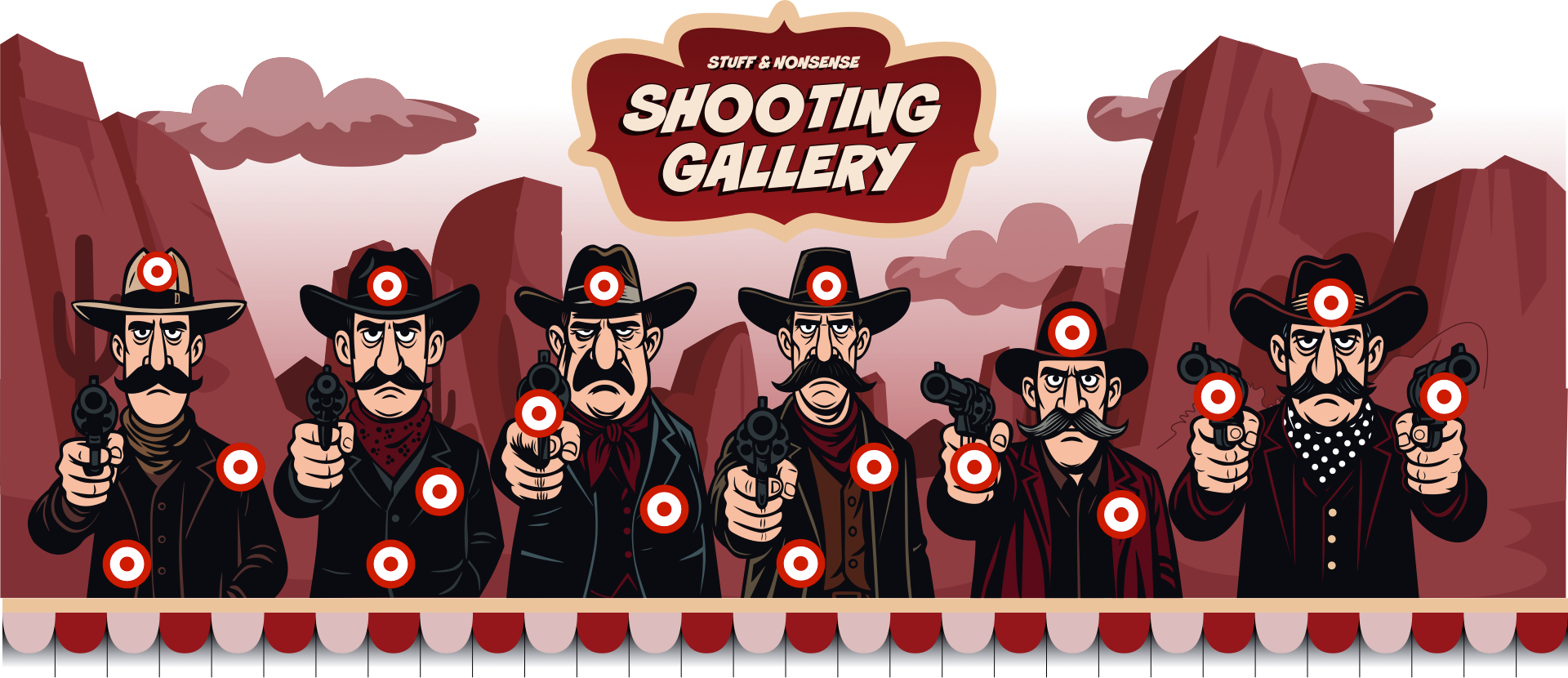
For the game, I flattened my characters into cut-outs, unifying and simplifying the colours to make them look more like the two-dimensional targets you find at a fairground.

Then I added three bullseyes to each target, a background graphic, some bunting, and a swinging saloon sign.
Playing the game
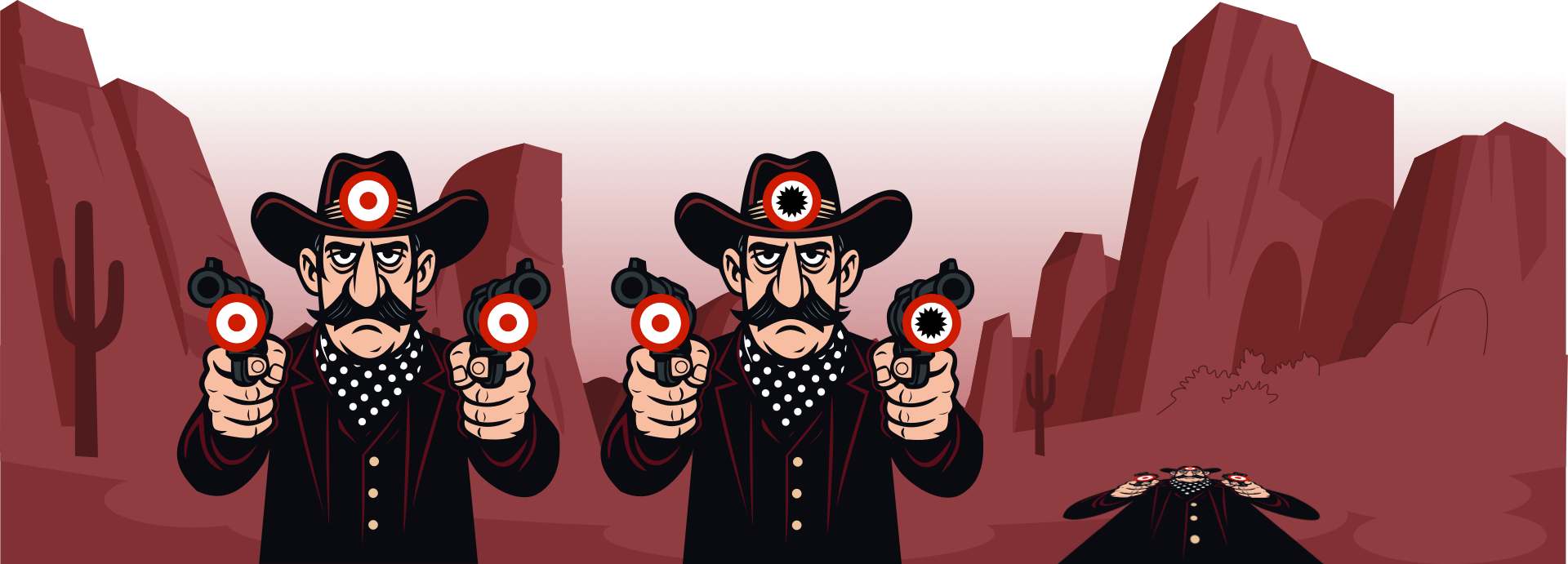
The aim is to hit as many bullseyes as you can in 60 seconds while the characters glide from left to right. You can change how quickly they move to make things trickier. Hitting each bullseye puts a hole in it and plays a sound. Hit three bullseyes on the same target, and it falls back (for a while.)
Level 1: HTML
I like to keep my markup semantic and straightforward. The game’s HTML starts with a container and the swinging sign:
<div id="shooting-gallery">
 <div id="shooting-gallery-sign">[…]</div>
 […]
</div>
Then, there’s a scrolling container in which the characters move left and right:
<div id="shooting-gallery-scroll-container">
 <div id="shooting-gallery-items">[…]</div>
 […]
</div>
Each character’s SVG and its three bullseyes sit inside their own division, with inline styles to position each target:
<div class="shooting-gallery-item">
 <div class="item-content">
 <img src="billy.svg" alt="">
 <button class="target" style="top: 0%; left: calc(50% - 15px);">
 <span class="target-hole"></span></button>
 […]
 </div>
</div>
There’s another division for the game controls, including the score, time remaining, and speed controls:
<div id="shooting-gallery-hud">
<div>
<h3>Score</h3>
<p id="shooting-gallery-score">0</p>
</div>
<div>
<h3>Time</h3>
<p id="shooting-gallery-timer">60</p>
</div>
<div id="speed-control">
<label for="gallery-speed"><span id="speed-value">Normal</span></label>
<input type="range" id="gallery-speed" min="1" max="4" value="2" step="1">
</div>
</div>
Plus divisions for my intro text:
<div id="shooting-gallery-intro">
 <h2 id="shooting-gallery-message">[…]</h2>
 <button id="shooting-gallery-button">Start</button>
</div>
And the overlay, which counts down to starting the game:
<div id="shooting-gallery-countdown">
 <span id="countdown-number">3</span>
</div>
Finally, there are sounds for that countdown and the bullet hits:
<audio id="bullet-sound" preload="auto">
 <source src="bullet-hit.mp3" type="audio/mpeg">
</audio>
<audio id="countdown-sound" preload="auto">
<source src="timer.mp3" type="audio/mpeg">
</audio>
The HTML builds a simple structure: a stage for characters, a HUD for gameplay info, and a few extras for sounds and interactions. Nothing fancy, just semantic markup ready for styling and scripting.
Level 2: CSS
I began with the core animations, such as the targets falling back in 3D when they’re hit three times:
@keyframes gallery-fall {
0% { transform: rotateX(0) translateZ(0) scale(1); }
100% { transform: rotateX(80deg) translateZ(-100px) translateY(50px) scale(0.8); }
}
Then, I added a background to the shooting gallery and used border-image to add bunting to the bottom border:
#shooting-gallery {
background: url(bg.svg) no-repeat center / cover;
border-style: solid;
border-bottom-width: 50px;
border-image: url("border.svg") 0 0 100 0 / 0 0 50px 0 / 0 repeat; }
Character targets
The characters scroll horizontally inside a flex container:
#shooting-gallery-scroll-container {
overflow: auto hidden;
width: 100%; }
And applied perspective to their parent for a more realistic effect when the characters fall back:
#shooting-gallery-items {
display: flex;
min-width: 800%;
perspective: 1000px;
transform-style: preserve-3d;
width: auto; }
preserve-3d applied to the characters content creates the effect:
.item-content {
position: relative;
transform-origin: bottom center;
transform-style: preserve-3d; }
When someone hits all three bullseyes, the script adds a fallen class:
.shooting-gallery-item.fallen .item-content {
animation: gallery-fall 0.5s ease forwards;
pointer-events: none;
transform-origin: bottom center; }
Bullseyes
For each of the bullseye buttons, I added a background and a crosshair cursor:
.shooting-gallery-item button.target {
background: url("bullseye.svg") center/contain no-repeat;
cursor: crosshair;
height: 30px;
position: absolute;
width: 30px; }
I wanted audible and visual feedback when someone’s shot’s on target. Each button contains an additional span element:
<div class="item-content">
 <button class="target">
 <span class="target-hole"></span></button>
 […]
</div>
.target-hole {
background: url("hole.svg") center/contain no-repeat;
display: none;
height: 100%;
width: 100%; }
That hole is hidden by default but becomes visible when someone hits a target:
.target.hit .target-hole {
display: block; }
The characters also wobble every time they’re hit:
@keyframes gallery-wobble {
0%,100% { transform:rotate(0) }
25% { transform:rotate(-3deg) }
75% { transform:rotate(3deg)} }
}
shooting-gallery-item.gallery-wobble .item-content {
animation: gallery-wobble .3s ease; }
CSS handles the static styling and the wobbly characters and falling targets so that a browser using hardware acceleration for smoothness and performance.
Larger screens
On larger screens, I gave the shooting gallery a cinematic 16:7 aspect ratio:
@media (min-width:48em) {
#shooting-gallery {
aspect-ratio: 16/7;
overflow-x: hidden; }
}
Then I reset the container’s horizontal overflow and used a keyframe animation to move the characters left and right during the game:
#shooting-gallery-scroll-container {
overflow-x: hidden; }
@keyframes gallery-row {
0% { transform: translateX(0); }
50% { transform: translateX(25%); }
100% { transform: translateX(0); }
}
#shooting-gallery-items {
animation: gallery-row 30s linear infinite;
min-width: auto;
width: 80%; }
During the game, the script tracks hits for 60 seconds. When someone hits three bullseyes on the same target, it falls back, reappearing a few seconds later. Players can also adjust the difficulty level by changing the movement speed.
Level 3: Performance
What about those all-important file sizes? How small could I make the game?
| HTML | 33Kb |
|---|---|
| CSS | 7kb |
| JS | 6.5kb |
| Audio | 42Kb |
| SVG | 195kb |
| TOTAL | 283.5kb |
Everything, including audio, graphics, and animation, fits comfortably under 300KB. Not bad for a complete mini-game with movement, sound, and interactivity.
Magnificent
This little game reminded me how much fun it is to build something purely for play, even if I’m the only one enjoying it. By keeping my markup minimal, reusing SVGs, and relying on CSS for movement and style, I ended up with a complete game under 300 KB. That’s lighter than one of those full-width hero images I’m always grumbling so much about.
November 4, 2025 • Andy Clarke • CSS • design • Development • custom