Standout Designs for theWeb
I’ll show you how to uncover a company’s story, develop a distinctive visual language, and combine colour, typography, and layout to create designs that people remember.
I’ve been on a mission to improve performance since I migrated this site to Eleventy, especially after I realised I was burning through bandwidth once I moved to Netlify. Some of the biggest offenders were the animated illustrations I use across the site. They look great, but they ain’t cheap.
A typical animated banner contains an inline SVG,CSS, and JavaScript. By the time everything is in place, the animation can easily weigh half a megabyte. Because the SVG needs to be inline, all of that markup becomes part of the initial HTML document, increasing the amount of work the browser has to do before it can paint the page, and making every visitor download an animation whether they’ll see it or not.
Have you seen Eleventy in a Box? It’s my premium Eleventy starter kit for designers and developers who want to spend less time setting up the same project structure and more time designing distinctive websites.
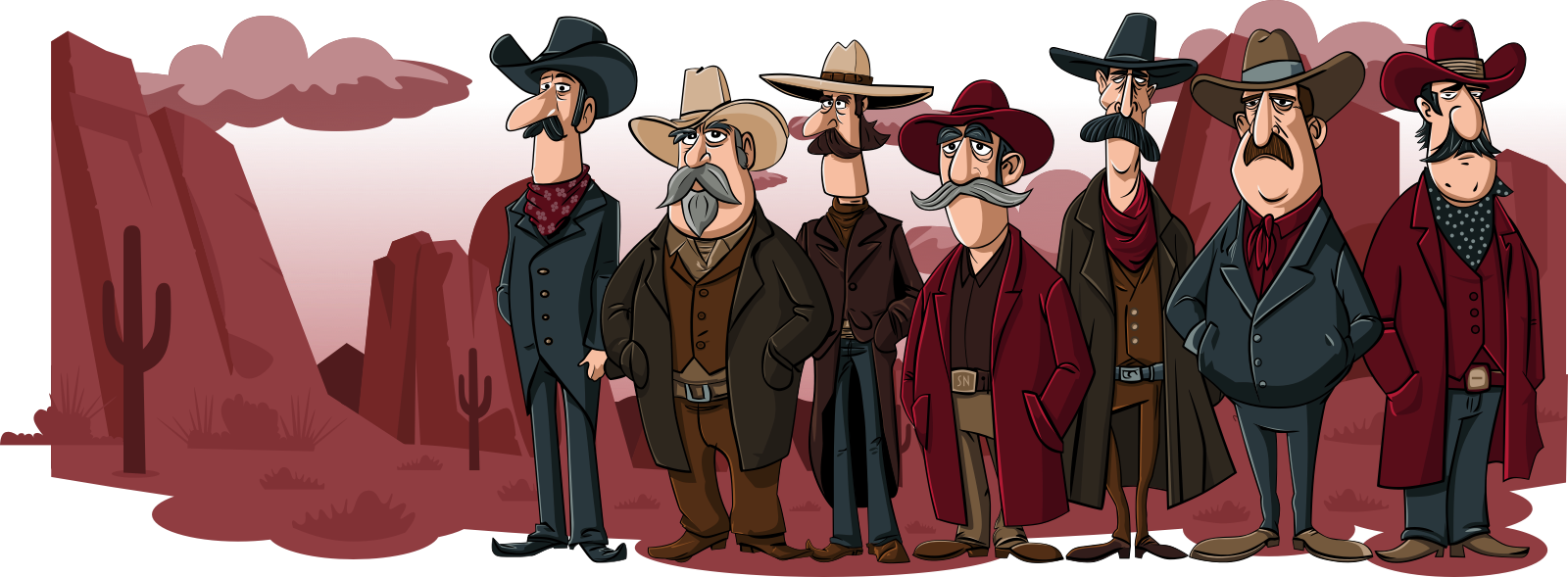
My solution was to load a lightweight static AVIF image first, then replace it with the animated SVG only when the conditions are right. Everyone gets an immediate visual. Larger screens get the richer animated experience once the page has settled. Smaller screens never know the animation exists.
I began with a picture element inside the banner:
<div id="animation-banner">;
<picture>
<source
srcset="static-placeholder.avif"
media="(width >= 64em)">
  <img src="static-scene-small.avif" alt="">
</picture>
</div>
The browser chooses the appropriate image for the viewport, so there’s no JavaScript involved in the initial render and no opportunity for layout shifts.
Next, I added two data- attributes. One points to the HTML fragment containing the animated SVG. The other tells the script which media query should trigger the enhancement:
<picture
data-animation-src="/fragments/scene.html"
data-animation-media="(min-width: 64em)">
…
</picture>
That leaves the HTML completely declarative. The page works perfectly well without JavaScript, while the animation becomes an optional enhancement rather than a requirement.
The script begins by finding the banner and reading those attributes:
const picture = banner?.querySelector("picture[data-animation-src]");
if (!banner || !picture) {
return;
}
const fragmentUrl = picture.dataset.animationSrc;
const mediaQuery = window.matchMedia(
picture.dataset.animationMedia || "(min-width: 64em)"
);
const originalPicture = picture.cloneNode(true);
I deliberately avoid replacing anything immediately. Instead, I wait until after the browser has completed its first paint by nesting two requestAnimationFrame() calls:
window.requestAnimationFrame(() => {
window.requestAnimationFrame(() => {
syncBanner();
});
});
}
The double requestAnimationFrame() gives the browser a chance to render the placeholder image before any fetching or DOM replacement begins.
That means visitors see useful content almost immediately instead of staring at a blank banner while the animation downloads.
If the viewport matches the media query, the script fetches the HTML fragment containing the animation:
if (!fragmentUrl) {
return "";
}
const response = await window.fetch(fragmentUrl);
if (!response.ok) {
throw new Error(Failed to load ${fragmentUrl});
}
return await response.text();
}
This is where most of the savings come from. The animation isn’t part of the original HTML, so it isn’t parsed during the initial page load and isn’t downloaded on mobile. Only browsers which can actually display the richer experience pay the extra cost.
Keeping the animation inside its own HTML fragment also makes the page templates much easier to manage. The SVG, its embedded styles, and the JavaScript needed to drive the animation all live together instead of cluttering the page template itself.
Once the fragment has been downloaded, I parse it with DOMParser and replace the original contents of the banner:
const doc = new DOMParser().parseFromString(fragmentHtml, "text/html");
const nextBanner = doc.querySelector("#animation-banner");
const fragmentContent = document.createDocumentFragment();
Array.from(nextBanner.childNodes).forEach((node) => {
fragmentContent.append(node.cloneNode(true));
});
banner.replaceChildren();
banner.append(fragmentContent);
}
Using a DocumentFragment means the browser only updates the live DOM once, rather than repeatedly as individual nodes are inserted. It’s a small optimisation, but it keeps the replacement nice and tidy. The swap itself is almost invisible. People briefly see the static illustration before the animation quietly takes over.
One thing I didn’t want was to assume the viewport would never change. If someone narrows their browser below 64em, the animated SVG disappears, and the original lightweight image comes back:
banner.replaceChildren(originalPicture.cloneNode(true));
}
The synchronisation function simply keeps everything in step with the current media query:
if (mediaQuery.matches) {
const fragmentHtml = await fetchFragmentHtml();
if (fragmentHtml) {
renderAnimation(fragmentHtml);
}
return;
}
restorePicture();
}
The enhancement becomes reversible instead of being a one-way upgrade.
There are other ways to tackle this problem. I could have left the SVG inline and accepted the extra HTML. I could have hidden it with CSS on smaller screens. I could even have embedded the animation in an object or iframe. None of those approaches really solved the problem I was trying to fix.
So far, this approach feels like a good compromise. The page paints quickly, the animations are still there when they add something, and I’m no longer asking every visitor to download half a megabyte of SVG before they’ve even seen the page.
I’m sure I’ll keep tweaking it. I usually do. But for now, it feels like a sensible balance between performance and personality.
I’ll show you how to uncover a company’s story, develop a distinctive visual language, and combine colour, typography, and layout to create designs that people remember.
I’m Andy Clarke. I’ve spent over thirty years helping clients create memorable websites. I’m also the author of five books on web design.
Planning a new website? I’d love to help you create something memorable.
Drawing on over thirty years of experience, I’ll show you how to uncover a company’s story, develop a distinctive visual language, and combine colour, typography, imagery, and layout to create designs that people recognise and remember.
A premium Eleventy starter kit for designers and developers who want to spend less time setting up the same project structure and more time designing websites.
Contract Killer is plain and simple and there’s no legal jargon. It’s customisable to suit your business and has been used on countless web projects since 2008.
Free compound grid and modular grid layout generators, plus a set of HTML/CSS layout templates you can call on to make more interesting layouts, available to buy.